

Messages icon

Text Alert Service: Reliable SMS Notifications at Scale

SlickText is a text alert service that allows businesses to send SMS alerts, notifications, and urgent updates to large groups almost instantly. Companies use text alert systems for emergency communication, employee notifications, school alerts, and marketing messages.

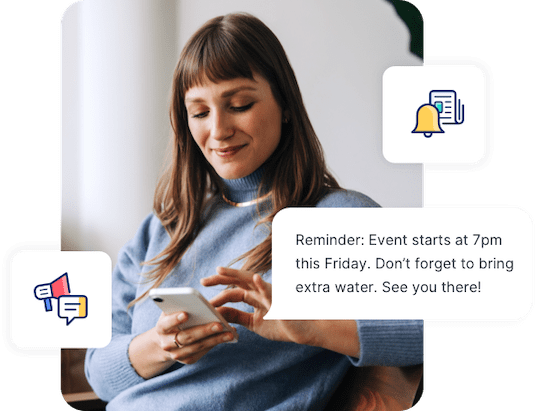
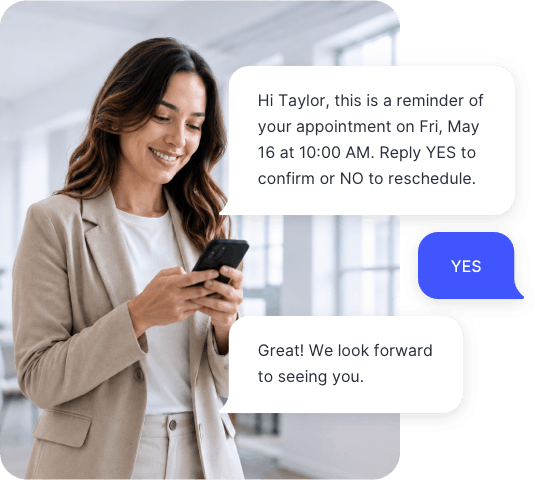
Woman receives and event reminder text alert sent through the SlickText platform

24,000+ brands have connected with customers using SlickText.

Kings HawaiianSnap-onWalmartRonald McDonald HouseDoorDashNerd WalletAlani NuZeemeeMosquito JoeCanonASUTony RobbinsWinco FoodsLazboyYMCAKings HawaiianSnap-onWalmartRonald McDonald HouseDoorDashNerd WalletAlani NuZeemeeMosquito JoeCanonASUTony RobbinsWinco FoodsLazboyYMCA
Users icon

Reach the Masses in Seconds

Our text alert service is built to scale. Whether you're trying to reach 10 or 10 million people, we've designed our system to assist groups of all sizes with their text alerts.

Learn icon

Master the Platform with Ease

Our user-friendly text alerts system takes only minutes to set up and get moving. Even if you don’t consider yourself tech savvy, you’ll get the hang of it in no time.

Star icon

Experience 5-Star Support

We love to talk to our customers. If you have questions about text alerts, just reach out to our friendly and supportive team.

Takeaway icon

At a Glance

SlickText's text alert service lets businesses, schools, and organizations send urgent SMS notifications to any size group in seconds. Text alerts can be used for anything from weather closures and IT outages to employee updates and marketing offers. Setup takes three steps: create an account, upload a contact list, and start sending or scheduling texts. Built-in compliance tools, including AI-driven opt-out detection, keep every alert TCPA-compliant.

Message icon

What is a Text Alert Service?

A text alert service is software that lets an organization send SMS notifications to many opted-in contacts at once. You can send urgent texts and notifications so that the people who need time-sensitive information will have it in the palm of their hands almost immediately. Unlike a standard group text, each recipient receives the alert privately, replies flow into a business inbox, and contacts can opt out individually.

Organizations use text alert systems to send emergency updates, employee notices, school closures, appointment reminders, event changes, service notifications, and promotional messages. Alerts can be sent immediately, scheduled for later, or triggered automatically.

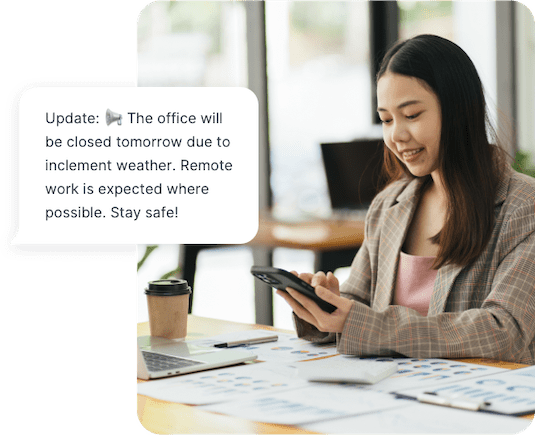
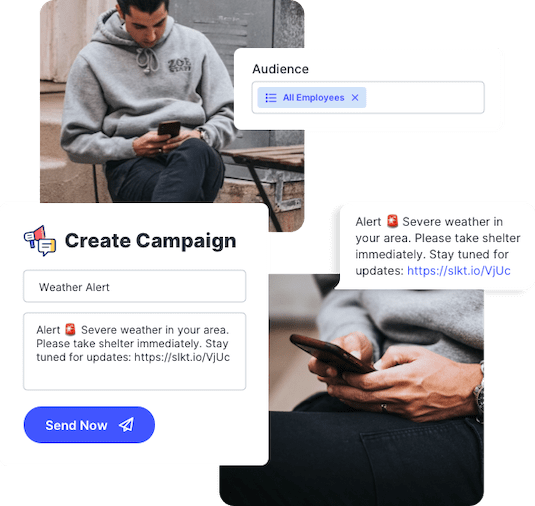
A mass text is sent to employees to alert them of office closure due to bad weather
Alert icon

How to Send Text Alerts

No technical experience? No problem. Sending text alerts is easy to do, and our service makes the process simple. Here are the three basic steps you need to know.

Create an Account & Register a Number

Choose a SlickText plan and tell us whether you’d like to send text alerts through a toll-free number, 10DLC, short code, or RCS messaging. Our team will handle the number registration process from start to finish.

Build Your List of Subscribers

If you've never sent text alerts before, you'll start by opting in subscribers. If you've used a different text alert service in the past, you can import an existing list into the SlickText system. In order to be legally compliant you need proof of consent for every person you want to send text alerts to. You can invite people to subscribe through text to join, website popups, QR codes, and tap-to-join links that can be posted on social media, email newsletters, blog posts, and any clickable location.

Compose & Send Your Text Alerts

After you've grown your list, you can start sending text alerts to everyone subscribed. All you have to do is select which list you'd like to send to, compose your text alert message, and press send. You can also choose to schedule it to be sent at a later date and time.

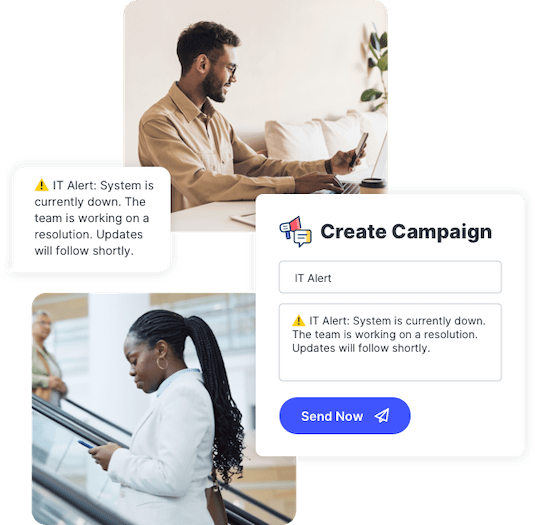
An IT alert lets software users know the system is down and will be back up soon

How Businesses Are Using Text Alert Services

People across all industries are adding text messaging into their communication strategies. Here are just a few examples of how organizations are using text alerts.

Plus icon

Text Alerts for Marketing

Marketing is becoming one of the top ways that companies use text alert services today. Since 98% of text messages are read within minutes, businesses have found that their customers respond far better to SMS over email and other types of marketing. When you compare the read and click-through rates with other channels, it's easy to understand why companies are adopting text alerts at such a fast rate. When sending unique offers, mobile coupons, and text to win contests, text message marketing delivers meaningful ROI.

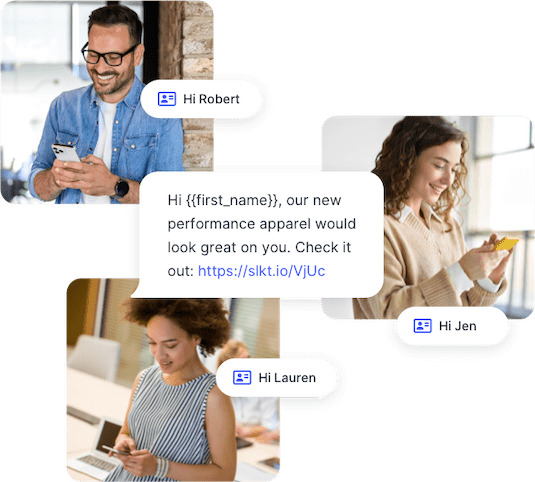
Consumers receive personalized text alerts for restocks and product drops
Reply icon

Text Alerts for Schools

When schedules change and critical events are happening, you need a trustworthy way to notify all parties. Texting is the fastest and most reliable way to contact faculty or students with timely information. Many educational organizations are using text alert systems for schools to send simple text messages to everyone at once. Text alerts are unbeatable at keeping everyone on the same page.

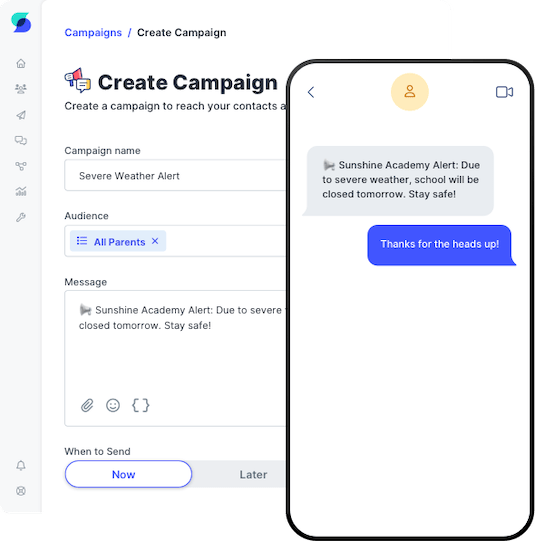
A severe weather alert is sent via SMS to alert students and parents of a snow day
Emergency icon

Sending Emergency Alerts

It's no surprise that you need to get through to people instantly in an emergency. Maybe your worst case scenario involves an active shooter, maybe it's inclement weather, or perhaps it's a power outage. Whatever the case — don't wait until disaster strikes to set up your communication. Find a great text alert service now and it'll be as simple as a few clicks if you should ever have to send emergency messages.

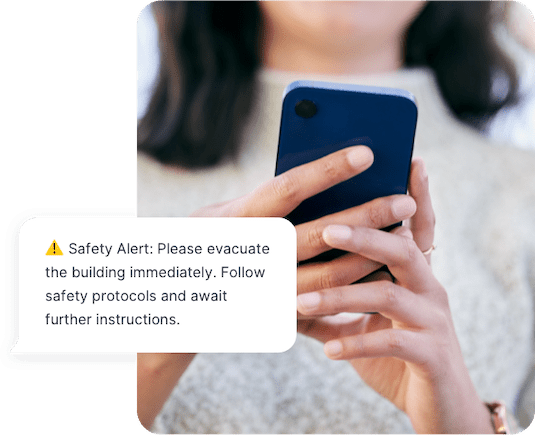
A property manager sends an SMS safety alert for all individuals to evacuate the building
Bullhorn icon

Text Alerts for Company & Employee Communications

Whether it's an IT problem, a power outage, or crucial reminders, using a text alert service to stay in touch with your employees is efficient and effective. Think of all the emails that sit in your inbox unopened. You don't want your important messages to employees to go unread. Instead of emailing, send a text. People read their texts—almost instantly.

More and more businesses are using text alerts for employee engagement. And it's not just about pushing information out. You can capture feedback and other information using SMS workflows and reply one-on-one with our shared inbox.

Text alerts regarding severe weather, power outages, and company reminders are sent to employees using SlickText
Chart icon

Keeping Your Text Alerts Legal

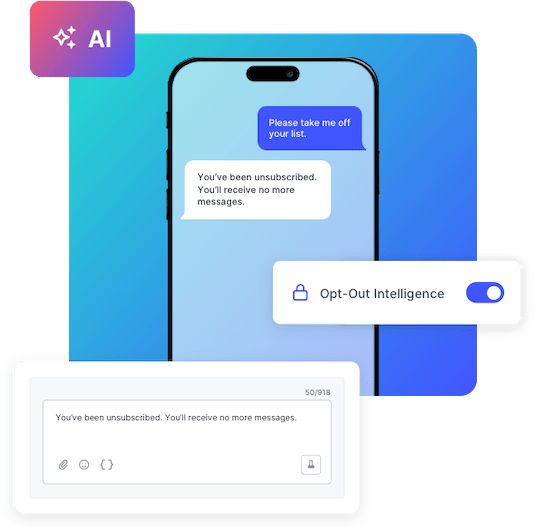
Text alert services must follow SMS compliance regulations such as the TCPA. These rules require businesses to obtain explicit consent before sending alerts and provide clear opt-out options. SlickText includes enhanced protection for users with Opt-Out Intelligence, which uses AI to recognize and remove contacts who no longer wish to receive messaging—even if they fail to send the correct opt-out message. Contacts are always opted-out whenever they text stop, unsubscribe, remove, cancel, end, quit, or opt out to your number.

We provide several compliant opt-in methods and have even published a guide on SMS compliance to help you understand things in greater detail. We've made things easy so you can focus more on your audience and less on the legal stuff.

Learn more about Compliance Right arrow icon
Example of SlickText opt-out intelligence that unsubscribes a contact based on chat sentiment

WHY CHOOSE US

Why You Should Choose SlickText as Your Text Alert Service

With over a decade of experience, we possess the tools and expertise to turn SMS into your most valuable communication channel—with 1,800+ five star reviews to show for it. Here are just a few reasons why we're the most popular text alert service on G2.

Plane icon

Send Text Alerts From Anywhere

Stay connected on the go. Our mobile app makes it easy to send and manage text alerts from anywhere, with seamless switching between desktop and mobile.

Shield icon

Experience Trustworthy Deliverability

When alerts matter, delivery is critical. We use high-quality North American messaging routes to help ensure your texts reach recipients quickly and consistently.

Calendar icon

Schedule Your Text Alerts

Plan ahead with ease. Schedule text alerts for any date and time so your notifications go out exactly when they’re needed.

User icon

Invite Your Whole Team

Great communication is a team effort. Invite coworkers, assign roles, and set custom permissions so everyone can collaborate effectively.

Smile icon

Get Fast & Friendly Support

Our team has won G2 awards for Best Support in SMS Marketing for the past five quarters in a row. We love to talk to our customers, and we're always ready to help with questions or provide a walkthrough of platform features.

Diagram icon

Automate Your Alerts

Our text alert system enables you to automate your messages, send auto-replies, auto-assign incoming messages, and set up alerts via Slack or email. Whether you want basic drip capabilities or advanced text automations, we have the features to meet your needs.

Text Alert FAQs

It’s important to understand key details before selecting a text alert service. We’ve compiled some of the most commonly asked questions about sending SMS alerts, but if your question isn’t on this list, don’t hesitate to start a chat with our team.

How do I set up a text alert system?

Setting up a text alert system with SlickText is simple. Create an account, register a sending number, build your subscriber list, and send your first alert. Most organizations can launch their SMS alert system in minutes once number registration is complete.

How much does it cost to send SMS alerts?

SlickText plans start at $29 per month for 500 message credits. One standard SMS segment uses one credit, while one MMS message uses three credits. Free incoming messages, unlimited contacts, rollover credits, all platform features, and one premium sending number are included in paid plans. Carrier fees may also apply.

Can people respond to my alerts?

Yes, people can respond to your text alerts. Unlike group text messages, with an SMS alert service, when people text back, all messages flow into an inbox where you can privately manage those conversations one-on-one.

Can I send text alerts from my phone?

You should never send text alerts from the standard text messaging app on your phone. That limits your reach, doesn't give people a way to opt out, and replies go to everyone. If you need to reach the masses, you’ll need a text alert service. Most good services, like SlickText, offer a free mobile app that you can use to manage alerts on your phone.

How do people opt in for text alerts?

There are several ways that people can opt into a text alert system. The two most popular are text to join and through web forms. With text to join, people simply text a special keyword to a number which opts them in. Web forms are also easy as people can fill out their information and press a button to subscribe.

What types of numbers can I use for alerts?

There are a few different types of numbers you can use with a text alert system. There are short codes, toll-free, 10DLC numbers, and RCS (rich communication services). Each has their pros and cons. We recommend short codes, RCS, or toll-free. If you’re looking to reach extremely large groups of people in a short period of time, RCS or short codes are the way to go. They send faster than any other type of number. They do, however, come with an increased cost. Toll-free numbers are generally free and can still send to large groups of people; just not as fast as short codes.