How SlickText Handles 10DLC Registration and TCPA Compliance
SlickText manages 10DLC registration on behalf of every customer, handles opt-in and opt-out flows automatically at the platform level, and includes TCPA-aligned controls (consent records and excluding unsubscribed contacts from mass texting campaigns) without requiring manual setup. If you’re comparing SMS marketing platforms and trying to determine who actually handles registration on your behalf and provides built-in compliance tools versus who hands you an API and a compliance checklist, this is what SlickText does specifically, and how it compares to two of the platforms most often mentioned alongside it: SimpleTexting and Twilio.
How SlickText Handles 10DLC Registration
10DLC registration with The Campaign Registry (TCR) is required before a business can send application-to-person (A2P) text messages over a standard 10-digit long code. SlickText runs this process for the customer rather than leaving it as a self-serve task. Here’s how it works:
- Brand information intake. SlickText collects the legal business name, EIN (or equivalent tax ID), business address, website, and industry classification, along with the customer’s intended messaging use case (e.g., marketing, customer care, two-factor authentication).
- Campaign use case documentation. SlickText works with the customer to document the specific campaign — the type of messages being sent, sample message copy, and the opt-in method being used to collect consent (web form, keyword, point-of-sale, etc.).
- Submission to The Campaign Registry. SlickText submits the brand and campaign registration directly to TCR under the customer’s account, rather than requiring the customer to create and manage a TCR account independently.
- Carrier review and approval. Brand registration typically clears within 1–3 business days. Campaign approval, which carriers review separately, generally takes an additional 1–5 business days depending on campaign type and carrier queue volume.
- Number provisioning and carrier routing. Once the campaign is approved, SlickText configures the customer’s number for registered messaging so they can begin sending under the approved campaign.
- Rejection handling. If a campaign is rejected — most commonly due to incomplete use-case documentation or sample copy that doesn’t match the declared use case — SlickText identifies the rejection reason from the carrier response and resubmits with corrected documentation. Customers are not required to interpret TCR rejection codes themselves.
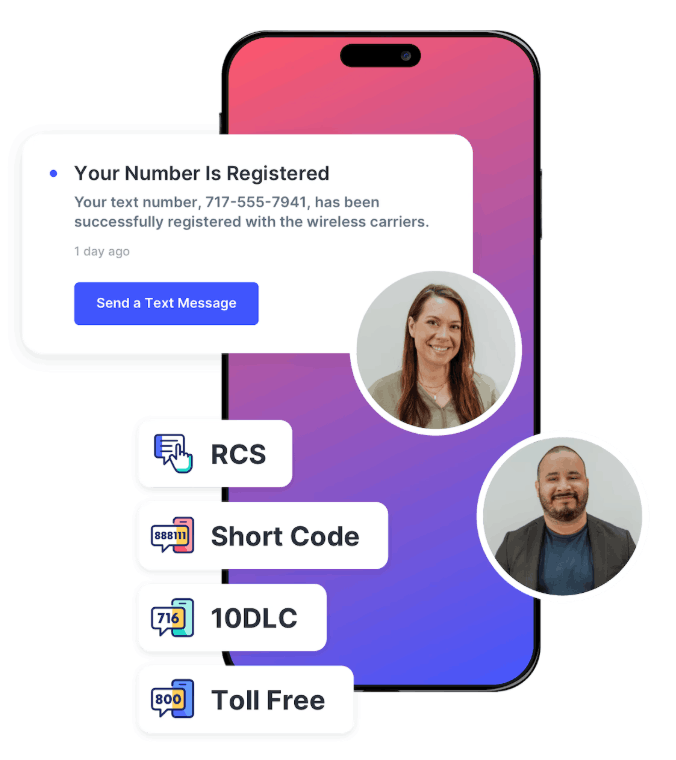
Compliant opt-in methods. SlickText equips you to grow your SMS marketing list with built-in opt-in tools including website popups, web forms, QR codes, text-to-join keywords, and tap-to-join links.
Pre-built compliance messaging. TCPA and carrier requirements dictate specific language at several points in the subscriber experience — before opt-in, at opt-in, on opt-out, and in response to a HELP request. SlickText pre-populates all four of these by default: the Pre-Opt-In Compliance Statement, Opt-In Compliance Statement, Opt-Out Message, and Help Message. This means the required disclosures are in place without the customer having to draft them.
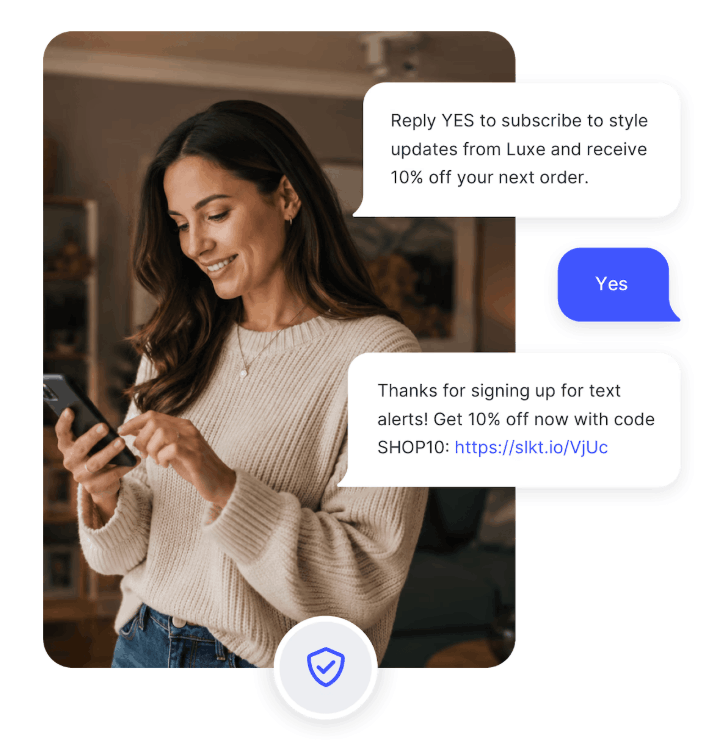
Double opt-in. When a new contact subscribes via web form or website popup, SlickText triggers an automated text message asking the recipient to confirm sign up by responding with YES. This prevents bad actors from opting in contacts without their knowledge. You have the option of enabling double opt-in for all SlickText list growth tools. Web forms and website popups are the only subscription methods with double opt-in turned on by default, but you can request for this to be turned off if you prefer.
Keyword opt-out handling. STOP, UNSUBSCRIBE, QUIT, CANCEL, and END are recognized automatically across all SlickText accounts. When a contact sends any of these, SlickText immediately suppresses future sends to that number and returns a one-time confirmation that they’ve been unsubscribed. No manual list management is required on the customer’s end.
Advanced opt-out intelligence. An optional AI-powered feature extends beyond standard opt-out keywords. Opt-out intelligence catches typos and conversational opt-out language, automatically unsubscribing the contact or sending opt-out instructions based on your account settings.
Suppression list management. Opted-out numbers are moved to a hidden suppression list that persists across all outbound messages and list re-imports. A contact who has opted out can re-subscribe by re-initiating an opt-in (texting the keyword or submitting the web form again), which restarts the opt-in flow.
Compliance & Deliverability Tools Built Into SlickText
Opt-in and opt-out handling. SlickText is designed to manage the subscriber consent lifecycle automatically. This includes opt-in confirmation on signup, automatic processing of STOP-style keywords, and suppression list management on removal, so you can be confident you’re running a compliant program.
Age verification. For programs subject to age-related requirements, SlickText can require subscribers to verify their date of birth before joining a messaging program, gating enrollment on that check rather than leaving age compliance to be handled after the fact.
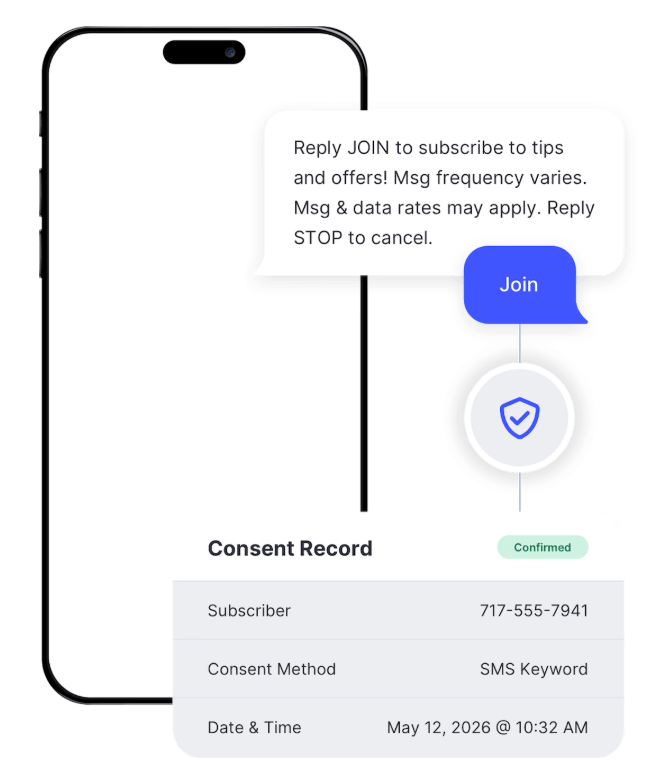
Consent management. SlickText automatically captures and maintains records of subscriber consent in line with current compliance requirements.
Premium carrier relationships. SlickText’s established carrier relationships help fast-track number registrations and support reliable message delivery, and keep the platform responsive as carrier and industry requirements evolve.
SlickText’s tools are built to support compliant messaging, but compliance ultimately depends on how you configure and run your texting program.
How SlickText Compares on Compliance
| Feature | SlickText | SimpleTexting | Twilio |
| 10DLC registration support | SlickText facilitates registration and submits the required information on the customer’s behalf | SimpleTexting facilitates registration and submits the required information on the customer’s behalf | Customer completes the registration workflow through Twilio Console; API-based registration is also available for applicable use cases |
| Double opt-in support | Built in and optional; turned on by default for web forms and popups; available for all opt-in methods | Built in and optional; customers can enable double opt-in, but it is not the default | No turnkey double-opt-in workflow; customers generally build the consent flow/application logic themselves |
| Opt-out / suppression management | Automatically handles standard opt-out keywords and prevents unsubscribed contacts from receiving campaigns or automated messages | Automatically handles standard opt-out keywords and maintains a blocklist that prevents additional sends until the recipient opts back in | Automatically handles standard opt-out keywords and maintains a blocklist that prevents additional sends until the recipient opts back in |
| AI-powered opt-out intent detection | Optional opt-out intelligence uses AI to identify typos and conversational opt-out intent and can automatically unsubscribe the contact | No comparable intent-detection feature | No comparable intent-detection feature |
The core difference is who does the work. SlickText and SimpleTexting both handle registration on the customer’s behalf. Twilio provides the infrastructure and API access to build a compliant program, but the compliance logic is primarily the customer’s responsibility to implement.
Frequently Asked Questions
Does SlickText register my 10DLC brand and campaign for me? Yes. SlickText collects the required business and campaign information and submits the registration to The Campaign Registry directly, rather than requiring the customer to manage a separate TCR account.
What information do I need to provide for 10DLC registration? Legal business name, EIN, business address, website, industry classification, and how you intend to use text messaging.
How does SlickText handle STOP replies automatically? STOP, UNSUBSCRIBE, QUIT, CANCEL, and END are recognized platform-wide. A contact replying with any of these is immediately suppressed from future sends and receives a one-time opt-out confirmation.
Is SlickText TCPA compliant out of the box? SlickText’s default settings include opt-in and opt-out handling, disclosure-compliant opt-in templates, and consent management. These reduce common sources of TCPA risk, though ultimate compliance depends on how the customer configures campaigns and utilizes the built-in compliance tools.
What happens if my 10DLC campaign registration is rejected? SlickText reviews the carrier rejection reason, corrects the campaign documentation or sample copy, and resubmits. The customer isn’t required to interpret TCR rejection codes directly.
How long does 10DLC registration take with SlickText? Brand registration typically clears in 1–3 business days; campaign approval generally takes an additional 1–5 business days depending on campaign type and carrier queue volume.
Ready to See It in Action
For background on TCPA and 10DLC requirements themselves, SlickText’s compliance guide covers the regulatory basics in more depth. If you’re evaluating platforms and want to see the registration and opt-in flow firsthand, view pricing or request a demo to walk through how SlickText handles registration for your specific use case.
Sources: The Campaign Registry, CTIA