Marketing Automation for Agencies: Top Tools for 2026
Last updated: August 12, 2026
The best marketing automation tools for agencies in 2026 help teams automate lead capture, SMS and email follow-ups, CRM updates, social scheduling, client reporting, project handoffs, and performance tracking. For most agencies, the strongest stack combines a CRM like HubSpot or Salesforce, a workflow connector like Make or Zapier, a high-conversion channel tool like SlickText, and reporting or operations software such as Productive.io.
Key Takeaways
- Marketing automation helps agencies scale client work without adding more manual tasks. The right tools can automate lead capture, SMS and email follow-ups, CRM updates, client reporting, social scheduling, and internal project handoffs.
- The best agency automation stack is usually layered, not all-in-one. Most agencies need a CRM, a campaign automation tool, an app connector, a reporting platform, and an operations system that work together across multiple client accounts.
- SlickText is a strong fit for agencies that manage SMS marketing, retargeting, and multi-brand messaging. Agencies can use it to build automated text journeys, segment audiences, manage replies, and support time-sensitive campaigns for clients.
- Tools like HubSpot, Salesforce, Make, Zapier, DashThis, and Productive.io fill different roles in an agency workflow. HubSpot and Salesforce support CRM-led automation, Make and Zapier connect apps, DashThis automates client reporting, and Productive.io helps manage agency operations.
- Agencies should start with repeatable, high-impact workflows before automating everything. Good first automation projects include new lead follow-up, appointment reminders, client report delivery, review requests, task creation, and missed-call text backs.
- The goal is not to remove the human touch. Strong automation gives agency teams more time for strategy, creative work, client relationships, and campaign optimization while keeping repetitive execution consistent.
What is Marketing Automation for Agencies?
Most growing agencies rely on automation to handle multi-channel campaigns, reporting, and client communication at scale. The days of manually updating spreadsheets and logging into five different platforms to check campaign performance are rapidly disappearing.
Marketing automation for agencies means orchestrating emails, SMS and MMS marketing, social media posts, ads, CRM updates, and internal tasks using rules, triggers, and AI. This goes far beyond scheduling emails—it’s about building systems that run continuously without constant human intervention.
Approximately 76% of enterprises already use some form of marketing automation technology, and the marketing automation sector is projected to reach $13.71 billion by 2030.
For agencies, adoption is essential as AI has matured, integrations have deepened, and client expectations have risen. Clients expect always-on reporting, faster response times, and personalized campaigns across multiple channels.
To meet these expectations, most agencies combine several layers of automation. Check out the table below for a brief overview and then keep reading to discover specific tools agencies should consider in 2026.
| Layer | Purpose | Common Tools |
| Data Management | Central CRM and marketing automation hub | HubSpot, Salesforce |
| AI Orchestration & System Connections | Cross-app automation and data flow | Make, Zapier |
| Revenue Generation (SMS Marketing & One-on-One Sales) | Collecting leads and converting customers | SlickText, Smartlead |
| Email Marketing & Design | Professional email creation and deployment | GetResponse, Stripo, HubSpot, Salesforce |
| Customer Engagement & Conversational Support | Real-time communication and automated support bots | SlickText, Tidio |
| Social Media & Social Proof | Outbound social posting and inbound content aggregation | Walls.io |
| Visual Content & Reporting | Client-facing reports, proposals, and marketing assets | DashThis, Venngage |
| Partnership & Affiliate Development | Automated discovery and outreach preparation | AffiliateFinder.ai |
| Revenue Operations | Managing resources and understanding profitability | Productive.io |
| Lead Sourcing & Data Enrichment | Verifying contact data for outreach and cleaning existing lists to protect deliverability | Skrapp |
Why Marketing Automation Matters for Agencies
Agency life in 2026 looks different than it did five years ago. Clients expect real-time dashboards. Margins are tighter. And the demand for always-on reporting means you can’t rely on manual processes anymore. Client-facing websites and landing pages need to match the same standard, which means the hosting infrastructure behind them deserves as much attention as the tools running on top of it.
Marketing automation addresses these realities directly by automating repetitive tasks and reducing manual tasks, freeing up teams to focus on more strategic work. Here are the core benefits relevant to agencies managing multiple clients:
- Time savings on repetitive tasks. Tasks like data capture, follow-up sequences, report generation, and social scheduling eat hours every week. Agencies automating these workflows often reclaim 5-10 hours per account manager per week—time that goes directly into strategy and client relationships.
- Increased capacity without new headcount. Automation lets you serve more clients with your existing team. When new leads come in, workflows handle the initial follow-up. That only works when the top of the funnel stays full, which is why many agencies pair their automation with external lead gen services that keep a steady flow of qualified prospects coming in. When it’s time for monthly reporting, data pulls itself into dashboards.
- Better data visibility across channels. Automated data collection and centralization mean you see what’s working across email, social media, ads, and SMS without manually combining exports from six different platforms.
- More consistent client experience. Automated onboarding sequences, check-in reminders, and status updates ensure nothing falls through the cracks—especially when your team is juggling dozens of accounts.
Automation also supports more profitable pricing models. When delivery is predictable and measurable, you can confidently price retainers and performance-based fees. You know exactly how much effort each client requires because your systems track it automatically.
These benefits only materialize when the right stack is chosen and integrated properly.
How Agencies Typically Use Marketing Automation
Before choosing tools, agencies should clearly map their use cases. Most marketing automation workflows fall into two buckets: running the agency itself and executing marketing for clients.
Automation for Agency Marketing & Service Operations
These workflows help agencies manage leads, close deals, and deliver services efficiently:
- Multi-step lead follow-up – When someone downloads a guide or requests a consultation, automation triggers a sequence of emails, SMS messages, and CRM updates to move the lead toward a sales conversation.
- Proposal and contract sequences – After a proposal is sent, automated reminders follow up at scheduled intervals until the prospect signs or declines.
- Client onboarding and kickoff workflows – New client wins automatically trigger welcome emails, project creation, task assignments, and internal notifications.
- Recurring performance and status reports – Weekly or monthly reports pull data from multiple systems and are formatted and sent automatically, reducing manual reporting work.
Automation for Client Marketing Campaigns
These workflows support ongoing marketing execution for clients:
- Campaign messaging and follow-ups – Automated SMS and email sequences respond to customer behavior, engagement, and conversions.
- Audience segmentation and personalization – Contacts are dynamically grouped based on actions, demographics, or purchase history to power targeted messaging.
- Social content scheduling – Content queues publish posts across multiple platforms on a set schedule, with high-performing content automatically reused.
Why Integrations Matter
These workflows almost always span multiple systems. CRMs need to sync with SMS and email platforms. Project management tools need to know when deals close. Social schedulers need access to shared content libraries. That’s where connectors like Make or Zapier become essential.
It’s also important to distinguish between client-facing automation (emails, SMS, social posts, chat sequences) and internal automation (task creation, time-tracking prompts, billing triggers, capacity alerts). Both are critical to scaling an agency efficiently.
Now, let’s look at eleven tools that fit into modern agency workflows.
The 15 Best Marketing Automation Tools for Agencies in 2026
The following tools were selected specifically for agency owners and operations leaders building or upgrading their 2026 tech stack. Each platform was evaluated against five critical criteria.
Selection Criteria:
- Agency-Specific Strength: Multi-client support, white-label options, and portfolio management capabilities
- Integration Depth: Native connections and API support across major marketing platforms
- Automation Power: Workflow flexibility, trigger options, and advanced logic capabilities
- Scalability: Performance from 1-person agencies to teams of 50+
- Forward Compatibility: Active development roadmap and 2026+ feature investments
Every tool below solves a specific agency challenge—whether that’s CRM management, cross-platform workflow orchestration, social media scheduling, SMS marketing, email design, visual reporting, or internal operations.
Stack Architecture Recommendation:
Build your automation stack in layers rather than searching for one platform that does everything:
- Foundation Layer: Choose one core CRM system-of-record (HubSpot, FLOWii, or Salesforce)
- Automation Layer: Add one workflow orchestration engine (Make or Zapier)
- Channel Tools: Integrate specialized platforms for email (Stripo), SMS (SlickText), social (Social Champ), and affiliates (AffiliateFinder.ai)
- Operations & Reporting: Connect internal systems like Productive.io for project management and Venngage for visual reporting
- Social Proof & Content: Layer in Walls.io for user-generated content aggregation when relevant
Each tool section below includes real agency use cases, specific automation examples, and key agency features to help you make informed buying decisions for your unique client mix and service offerings. Regularly reviewing the performance of your automated processes and making adjustments as needed will help ensure ongoing success.
SlickText: SMS Automation for Managing Multiple Brands & Franchises
SlickText is an SMS marketing platform well-suited for agencies serving several brands and franchises. If your clients need to increase sales or foot traffic through time-sensitive offers, SlickText is the best text automation tool available. Event-based triggers, website tracking, AI agents, and branched logic make it easy for agencies to collect valuable contact data, target the right audiences, and deliver personalized messages without heavy manual effort.
Key Features for Agencies:
- Automated Customer Journeys: Optimize conversions with personalized messages triggered by customer behavior.
- Advanced Inbox Management: Auto-assign incoming messages to brand managers, account executives, and support representatives.
- Easy Portfolio Management: Run SMS marketing for unlimited brands in one convenient place.
- Unlimited Users: Improve collaboration with custom roles and permissions for team members within your agency and on your clients’ teams.
- In-Depth Analytics: Understand your impact and validate your business impact to clients with SlickText’s reports and dashboards.
- Native Integrations: Integrate with your clients’ software and your own CRMs, ESPs, social ad platforms, and ecommerce apps to gain deeper insights and increase productivity.
- Agency Partner Program: Join the SlickText Partner Program to receive a dedicated partner manager, beta features, revenue share, and a Certified SlickText Partner badge to increase credibility in SMS marketing.
Agency use case: An agency running SMS marketing for a restaurant franchise sets up a website popup that collects customer phone numbers and preferred locations. Each customer who completes the popup will receive an automated welcome text with offers tailored to their preferred store. Automated workflows can be customized with different offers for different franchise locations and adjusted as needed.
SMS open rates consistently exceed email—often in the 90%+ range. For agencies, this means text campaigns deliver immediate, visible results that justify ongoing retainers.
Pricing: SlickText plans begin at $29 per month with custom pricing available for agencies.
Make: Visual Automation Builder for Complex Multi-App Flows
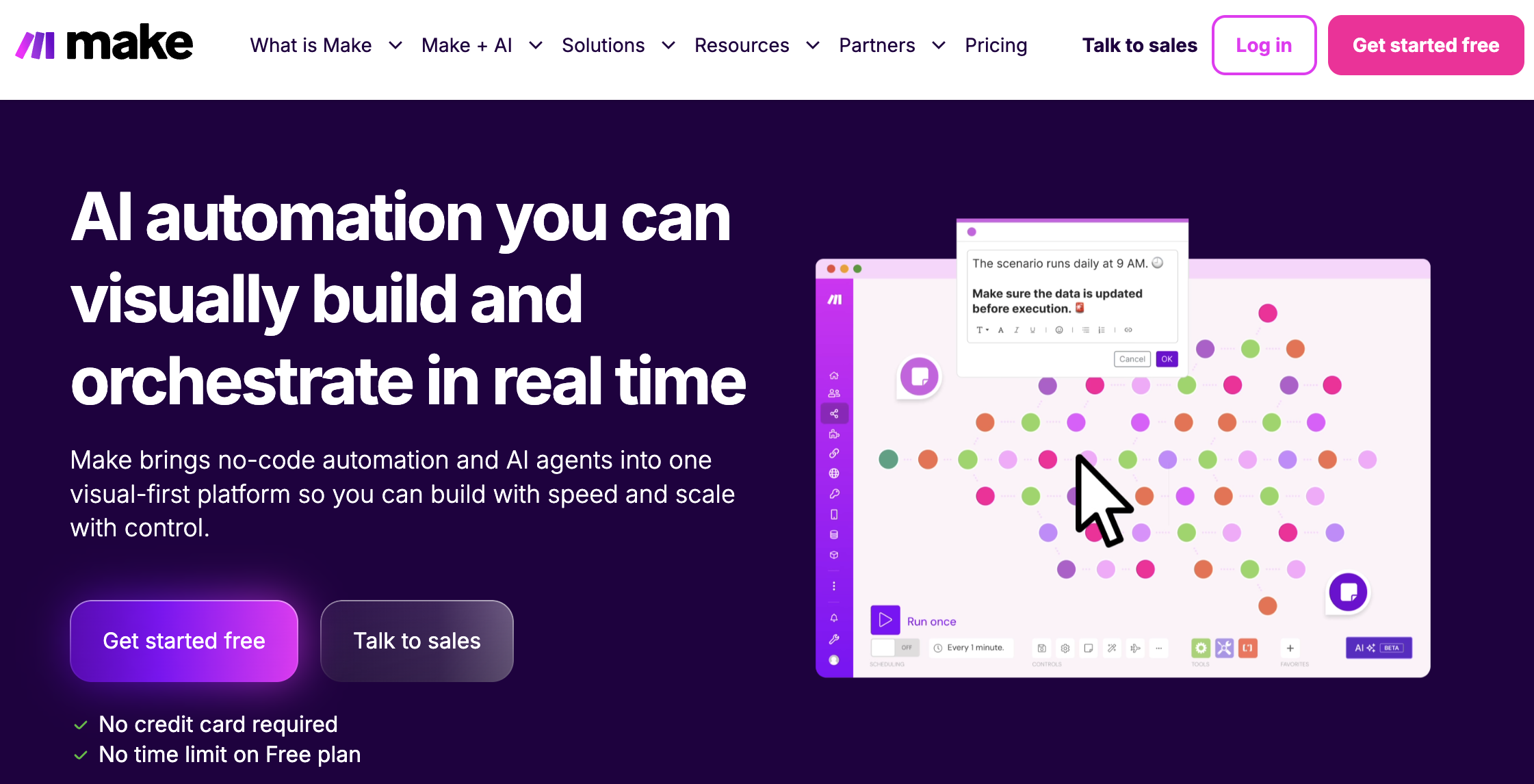
Make is a powerful visual automation platform agencies use in 2026 to orchestrate data and workflows across multiple apps without writing code. If your agency deals with complex data flows, multiple tools, and clients with varied tech stacks, Make is a great option for your business.
Key Features for Agencies:
- Visual Multi-Step Scenarios: Build complex automations with branching logic using an intuitive drag-and-drop interface—no coding required.
- Advanced Data Transformation: Parse, filter, calculate, and restructure data between apps to ensure clean, consistent information across your entire tech stack.
- Error Handling: Implement retry logic and error notifications to keep critical workflows running even when individual steps fail.
- Extensive App Library: Connect hundreds of marketing, CRM, billing, and project management tools including niche platforms other automation tools don’t support.
- Real-Time Webhook Triggers: Launch workflows instantly based on events from any source, enabling true real-time automation across your agency operations.
Agency use case: A lead fills out a Facebook Lead Ad form. Make captures the submission, creates or updates a contact in HubSpot, sends an automated text follow-up through SlickText, posts a notification to Slack, and creates a follow-up task in Productive.io—all in one scenario that runs in seconds.
Start with a small, high-impact Make connection—like automated monthly report preparation—and expand into more advanced automations over time. The learning curve is steeper than Zapier, but the ceiling is much higher.
Pricing: Make offers a free tier for beginners and paid plans beginning at $10 for growing businesses.
Tidio: Customer Service Automation with AI and Live Chat
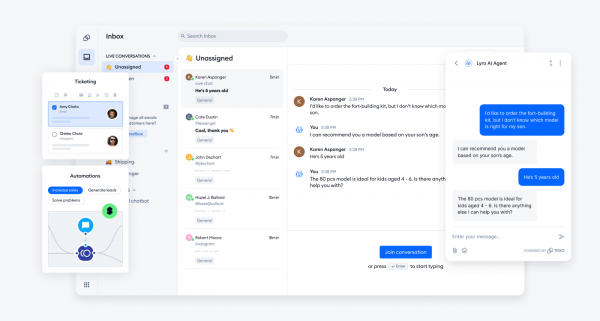
Tidio is a customer service platform that combines live chat, help desk, and automation tools to help agencies manage client communications. It allows teams to provide instant support while streamlining message management across various channels.
Key Features for Agencies:
- Lyro AI Agent: Deploy a conversational AI agent grounded in your specific data or knowledge base to provide consistent and reliable answers to customer queries.
- Flows: Build automated conversation paths using a visual editor to handle repetitive requests and lead generation without manual intervention.
- Centralized Help Desk: Manage customer messages from different channels in one shared inbox to improve response times and team collaboration.
- Seamless Human Handoff: Use automated triggers to transfer complex or high-priority conversations from chatbots to live support agents.
- Multi-Channel Support: Connect the platform with websites and various third-party integrations to maintain a unified communication stream for every client account.
Agency use case: An agency managing multiple e-commerce clients uses Tidio to deploy Lyro AI agents on each storefront. The AI handles routine shipping and product questions based on the client’s provided FAQs. If a customer asks a complex question, the system automatically alerts a live agent to take over the conversation, ensuring high-quality support during peak hours.
Use Tidio as a front-line automation layer to handle high volumes of customer inquiries without increasing headcount. Many agencies use AI agents to provide 24/7 support while reserving their team for complex, high-touch client needs.
Pricing: Tidio offers a free-forever plan, with paid tiers starting at $24.17 per month (billed annually) for the Starter plan, $49.17 per month for Growth, and $749 per month for Plus, with custom Premium options available.
Zapier: Easy Cross-App Automation and Templates for Agencies
Zapier is the go-to 2026 automation tool for quick, reliable cross-app workflows. When agencies need to integrate mainstream SaaS tools quickly without deep technical skills, Zapier delivers.
Key Features for Agencies:
- Massive App Library: Connect 6,000+ apps including every major marketing, CRM, and project management platform your clients use.
- Pre-Built Templates: Launch common workflows in minutes using tested templates for lead routing, reporting, social posting, and client onboarding.
- Non-Technical Setup: Empower account managers and coordinators to build and maintain automations without developer resources or technical training.
- Zap Paths (Branching Logic): Route data differently based on conditions like lead source, deal value, or client tier for sophisticated automation without complexity.
- Multi-Step Zaps: Chain multiple actions together so one trigger can update your CRM, send notifications, create tasks, and log data simultaneously.
- Team Collaboration Features: Share Zaps across your team, manage permissions, and maintain consistency across client accounts.
Agency use case: A B2B agency uses Zapier to automatically add new webinar registrations from a landing page to HubSpot, subscribe them to a nurturing email sequence, tag them by webinar topic, and push a notification to a Slack channel so the sales team knows instantly.
Use Zapier as a bridge between your clients’ software when native integrations are missing or limited. Many agencies run Zapier as their “glue layer” while using more specialized tools for actual campaign execution.
Pricing: Zapier offers a free tier for beginners and paid plans beginning at $29.99 for professionals.
Zapier vs. Make: Zapier is faster to set up and more accessible for non-technical users. Make offers more power for complex data transformation and high-volume scenarios. Many agencies use both—Zapier for simple automations, Make for advanced workflows.
“`html
DashThis: Marketing Agency Reporting Platform with AI-Powered Insights
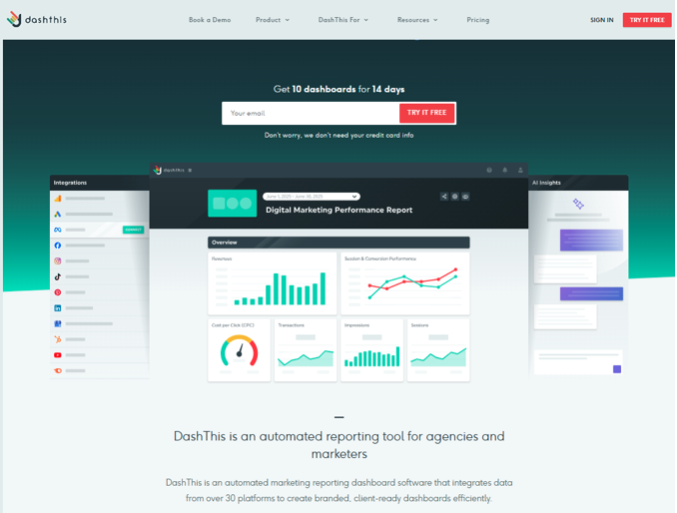
DashThis remains a leading choice for marketing agencies in 2026, particularly those managing multi-channel campaigns and client reporting at scale. As a marketing agency reporting platform with AI-powered insights, DashThis helps agencies consolidate data from multiple sources into automated, easy-to-understand dashboards that save time and improve client communication.
Key Features for Agencies:
- AI-Powered Reporting Insights: Automatically surface key performance trends, anomalies, and highlights, helping agencies quickly identify what matters most without manually analyzing data.
- Automated Marketing Dashboards: Build custom dashboards that pull data from SEO, PPC, social media, email marketing, and analytics platforms into a single reporting view.
- White-Label Reporting: Deliver fully branded dashboards and reports that match your agency’s identity and create a professional client experience.
- Multi-Channel Data Integrations: Connect platforms like Google Analytics, Google Ads, Meta Ads, LinkedIn, Ahrefs, SEMrush, and more to centralize marketing performance data.
- Scheduled Client Reports: Automate recurring reports and dashboard updates, reducing manual reporting work and ensuring clients always have access to the latest results.
Agency use case: A digital marketing agency manages reporting for multiple clients across SEO, PPC, and social media campaigns. DashThis automatically aggregates data from all marketing channels, generates AI-driven performance summaries, and delivers branded reports to clients each month. This allows account managers to spend less time building reports and more time optimizing campaign performance.
Pricing consideration: DashThis pricing scales based on the number of dashboards required. For agencies handling multiple clients, the platform often delivers strong ROI by eliminating manual reporting tasks and streamlining client communications.
Note: While DashThis excels at marketing agency reporting and dashboard automation, agencies looking for deeper campaign execution capabilities may use it alongside CRM, project management, or marketing automation platforms to create a complete client management ecosystem.
Venngage: Visual Content and Client Reporting Automation
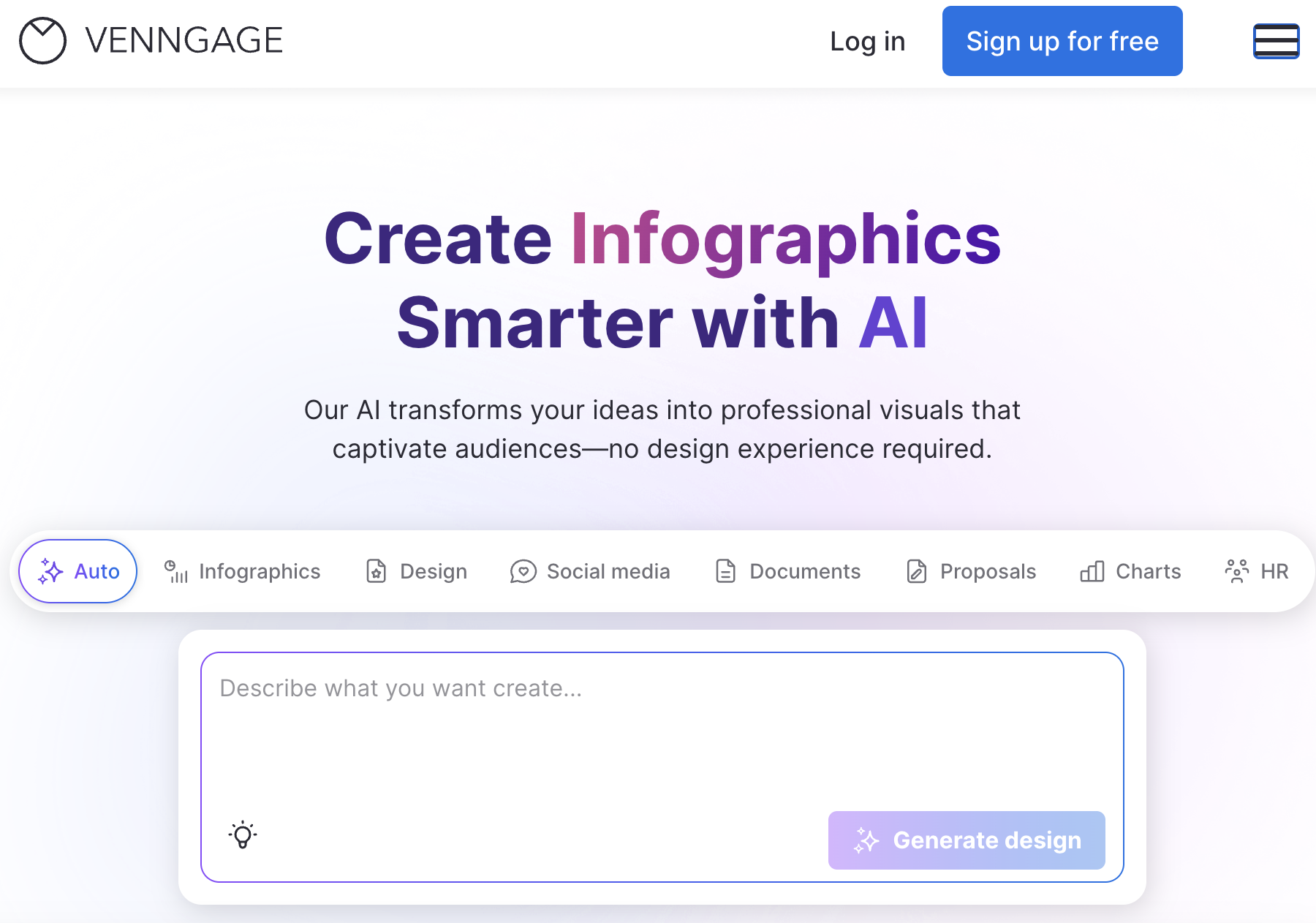
Venngage is an AI-powered design platform that helps agencies create on-brand visual content, client reports, and marketing assets. In 2026, clients expect polished, professional reporting and visual content across every touchpoint. Venngage lets agencies deliver this consistently while automating much of the design process.
Key Features for Agencies:
- AI-Assisted Design Generation: Create first drafts of reports, infographics, and social posts in minutes using AI, then refine in the drag-and-drop editor.
- Brand Kit Management: Store unlimited client Brand Kits with logos, color palettes, and fonts that apply to any design with one click.
- Template Library: Access pre-designed templates for client proposals, performance reports, social graphics, and presentations.
- Smart Accessibility Checker: Automatically validate color contrast, alt text, and reading order to ensure designs meet accessibility standards.
- Team Collaboration Tools: Work simultaneously with shared folders, in-platform comments, and real-time editing across multiple team members.
- Data Visualization Suite: Build professional charts, timelines, maps, and comparison layouts without switching to spreadsheet tools.
- Multi-Format Export: Download designs optimized for web, PDF, social media platforms, presentations, and print from a single source file.
Agency use case: An agency produces monthly performance reports for twelve clients. Instead of manually building reports in PowerPoint or Google Slides, they use Venngage templates. A team member inputs performance data into pre-built chart templates, applies the client’s Brand Kit to match their visual identity, generates an infographic summary using AI assistance, and exports the final PDF—all in 15-20 minutes instead of 2 hours per report.
Agencies especially love the efficiency of Venngage quickly generating first drafts with AI and applying each client’s brand colors in just a few clicks.
Pricing: Venngage offers free plans for testing, with paid plans starting at $19/month ($10/month with annual commitment).
HubSpot: All-in-One CRM and Marketing Automation Hub for Agencies
HubSpot remains a top choice for agencies in 2026, especially those serving B2B clients and high-consideration services. As an all-in-one CRM and marketing automation platform, it consolidates what many agencies previously needed five tools to accomplish.
Key Features for Agencies:
- Behavior-Based Workflows: Trigger personalized email sequences, task assignments, and CRM updates based on customer actions like page visits, email opens, and form submissions.
- Advanced Lead Scoring: Automatically qualify and prioritize leads using customizable scoring rules that track engagement, demographics, and buying signals.
- Ad Audience Syncing: Automatically sync contact lists and segments to Google Ads, Meta, and LinkedIn for seamless retargeting without manual exports.
- Integrated Analytics & Attribution: Track campaign performance and ROI across all channels with built-in dashboards that show the complete customer journey.
- Agency Partner Program: Access exclusive training, certifications, lead referrals, and partner benefits that help grow your agency’s HubSpot practice.
Agency use case: An agency manages multiple clients in HubSpot Marketing Hub using separate portals. Each client has standardized pipelines, automated onboarding email campaigns that trigger when deals close, and recurring performance summaries that generate and send weekly. The agency team sees all client activity in a unified view.
Pricing consideration: HubSpot costs scale with contact volume and feature tier. Assess license costs carefully against expected client revenue. For agencies, the ROI usually comes from reduced tool sprawl and more efficient campaign management.
Note: While HubSpot is a powerful general-purpose tool, agencies working with charities might integrate an intelligent nonprofit CRM like Keela to handle donor-specific workflows and tax receipting alongside their marketing stack.
GetResponse: Email Marketing and Automation Platform for Agencies
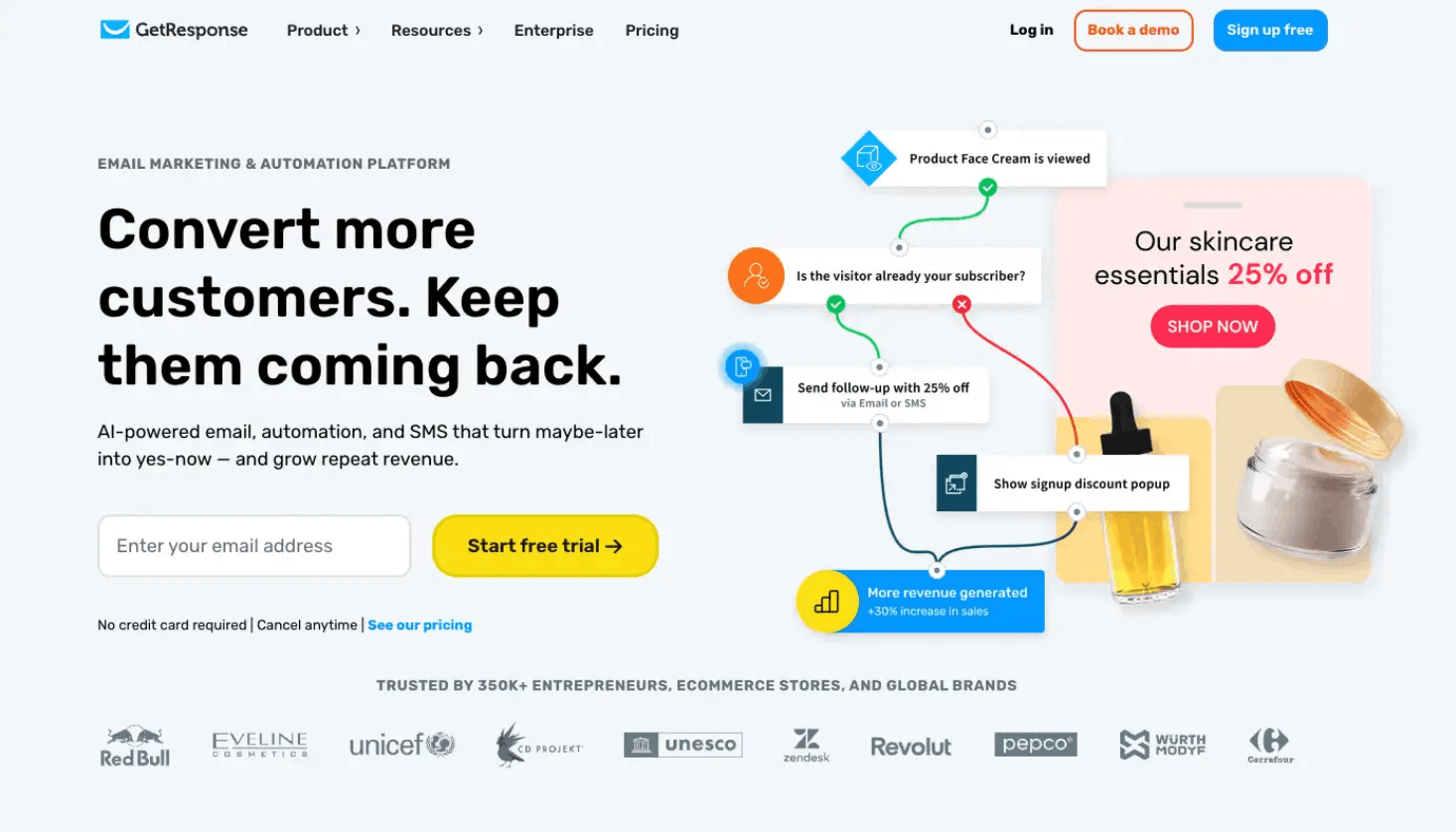
GetResponse is an email marketing and automation platform built for agencies that manage lead generation, ecommerce, and customer retention campaigns across multiple clients. It helps agencies reduce tool sprawl while still delivering personalized customer journeys.
Key Features for Agencies:
- Marketing Automation Builder: Agencies can create automated customer journeys for lead nurturing, ecommerce, and more without piecing together separate tools.
- Web Automation: GetResponse helps agencies react to visitor behavior on a client’s website, so campaigns can respond when someone shows interest or intent.
- Advanced Segmentation: Teams can build more relevant audiences based on how people engage with a brand across email, web, webinars, and ecommerce.
- AI-Assisted Segmentation: Agencies can describe the audience they want in plain language, and GetResponse turns it into usable segment rules.
- Ecommerce Campaigns: GetResponse helps agencies recover more sales with automated campaigns for abandoned carts, price drops, and product-based customer journeys.
- Revenue Attribution: Agencies can connect campaign activity to revenue, making it easier to show clients which messages and workflows are driving sales.
- Cleaner Reporting: GetResponse filters out unreliable engagement signals, helping agencies make decisions based on more accurate performance data.
- Built-In Campaign Assets: Teams can create the core assets they need for campaigns in one place, while Brand Kit helps keep each client’s visuals consistent.
Agency use case: An agency can use GetResponse to build sales-focused automation programs for clients across ecommerce, affiliate marketing, B2B, and partner networks. For performance marketing teams, this could mean launching timely offer campaigns, segmenting subscribers by interest, and using automated welcome emails or nurture series to keep leads engaged. For B2B agencies, it could mean turning webinar attendance, email engagement, and website behavior into tags and segments that help sales teams understand what each contact is interested in.
Pricing consideration: GetResponse starts at $15/month. It offers plans for small businesses and growing teams, with higher-tier packages available for ecommerce automation, advanced segmentation, and MAX-level needs.
Productive.io: Operations, Projects, and Billing Automation for Agencies
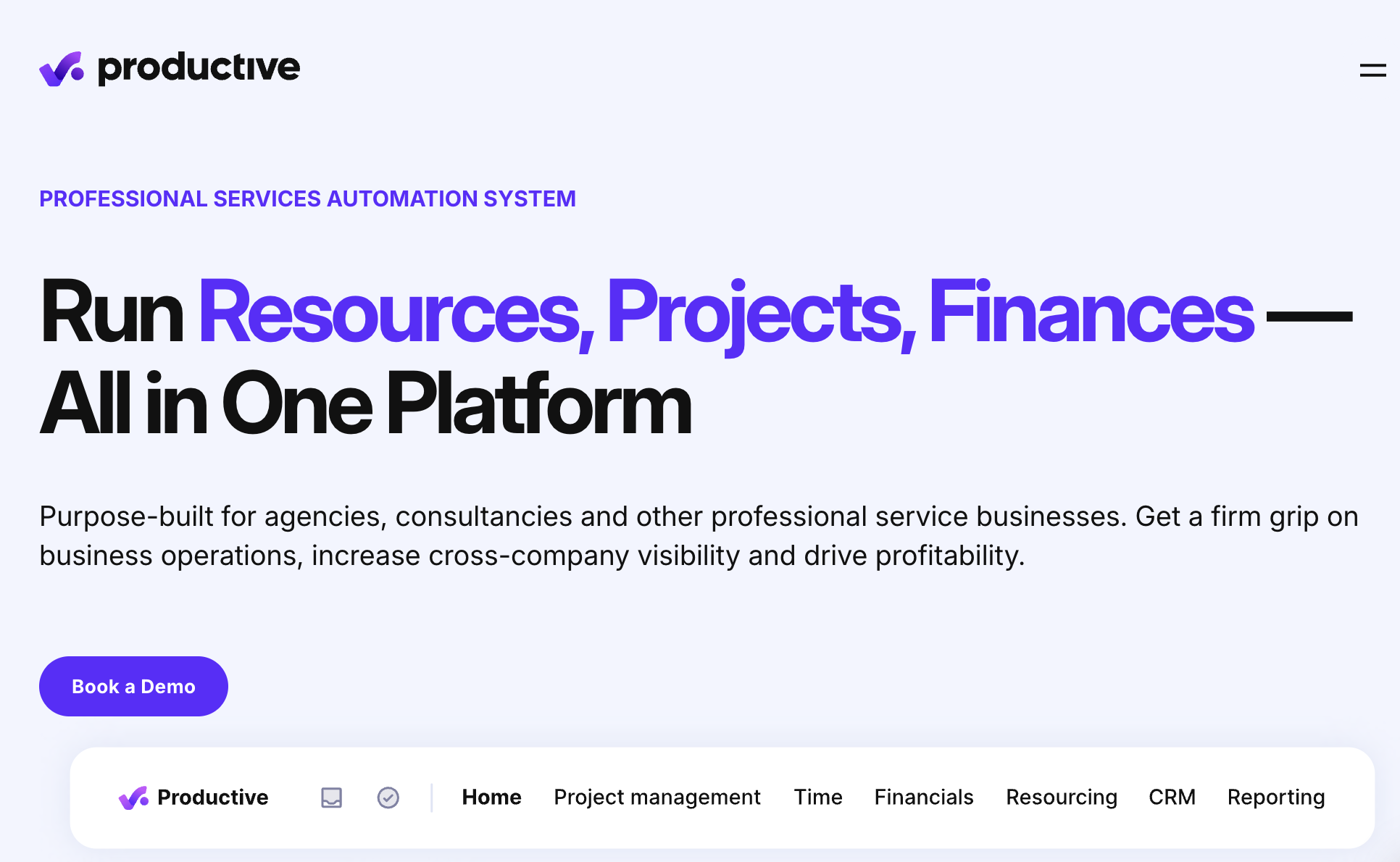
Productive.io is an agency-focused operations platform used in 2026 to automate project management, time tracking, budgeting, and billing. While it’s not a traditional marketing automation platform, it’s crucial for automating internal workflows tied to marketing delivery.
Key Features for Agencies:
- Template-Based Project Creation: Launch new client projects instantly from standardized templates that include tasks, milestones, budgets, and team assignments.
- Automated Resource Allocation: Assign team members to projects based on skills, availability, and workload with intelligent resource management.
- Real-Time Profitability Tracking: Monitor planned vs. actual hours and costs automatically with dashboards showing which clients and projects drive profit.
- Budget Variance Alerts: Receive automatic notifications when projects approach budget limits or hours exceed estimates, preventing scope creep.
- Automatic Time Tracking: Capture billable hours with one-click timers that sync with projects, tasks, and client budgets for accurate invoicing.
- Utilization Analytics: Understand team capacity and productivity with reports showing billable vs. non-billable time across the agency.
Agency use case: When a new retainer deal is marked as “Closed Won” in HubSpot or Salesforce, Productive.io automatically creates a project, applies a standardized template (with recurring tasks, kickoff milestones, and budget allocations), assigns team members based on skills and availability, and schedules recurring check-in tasks.
Productive.io tracks planned vs. actual hours and spend automatically. Dashboards show which clients are profitable and which are eating margin. This data helps agencies refine pricing, spot scope creep early, and make better decisions about which services to scale. For agencies running frequent client calls, pairing Productive.io with an AI note taker like tl;dv keeps call notes, CRM updates, and follow-up tasks logged automatically after every conversation.
Pricing: Productive.io offers three pricing tiers beginning at $11 per month plus custom enterprise pricing.
Social Champ: Social Media Automation for Multi-Client Management
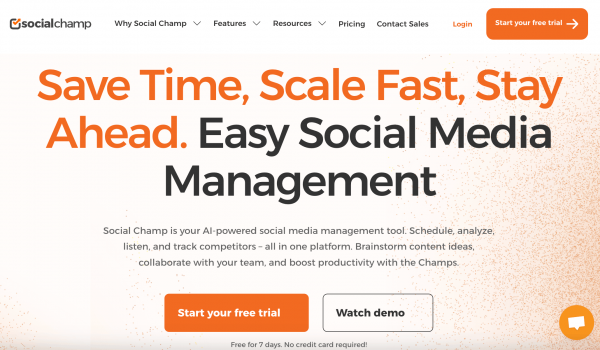
Social Champ is a 2026 social media management tool built to handle multiple brands and channels from a single interface. For agencies managing social media for many clients, it solves the coordination nightmare of logging into dozens of accounts.
Key Features for Agencies:
- Bulk Scheduling Capabilities: Upload 30+ days of content via CSV or use the visual calendar to schedule posts across multiple clients and platforms in minutes.
- Content Queue Management: Set up evergreen content queues that automatically fill empty posting slots, ensuring consistent presence without daily manual work.
- Approval Workflows: Route posts through customizable approval processes (draft → review → approve → publish) that maintain quality control at scale.
- Cross-Platform Publishing: Schedule and publish to Facebook, Instagram, LinkedIn, X (Twitter), Pinterest, and more from a unified dashboard.
- Performance Analytics: Generate client-ready reports showing reach, engagement, and top-performing content without manual data pulling or spreadsheet work.
- Automated Content Recycling: Identify and automatically repost your best-performing content to maximize ROI from successful posts.
Agency use case: An agency sets up 30-day content calendars for several clients. Posts are drafted in batches, routed through client approval, and auto-scheduled across Facebook, X, LinkedIn, and Instagram. Performance tracking generates client-ready reports at month-end without manual data pulling.
Social media marketing automation frees your team from the daily grind of manual posting while maintaining consistent presence across multiple platforms for all clients.
Pricing: Social Champ offers a free trial, Starter plans beginning at $5 per month, Growth plans beginning at $9 per month, and custom pricing for Enterprises.
Walls.io: Social Media Aggregation and Social Proof Automation
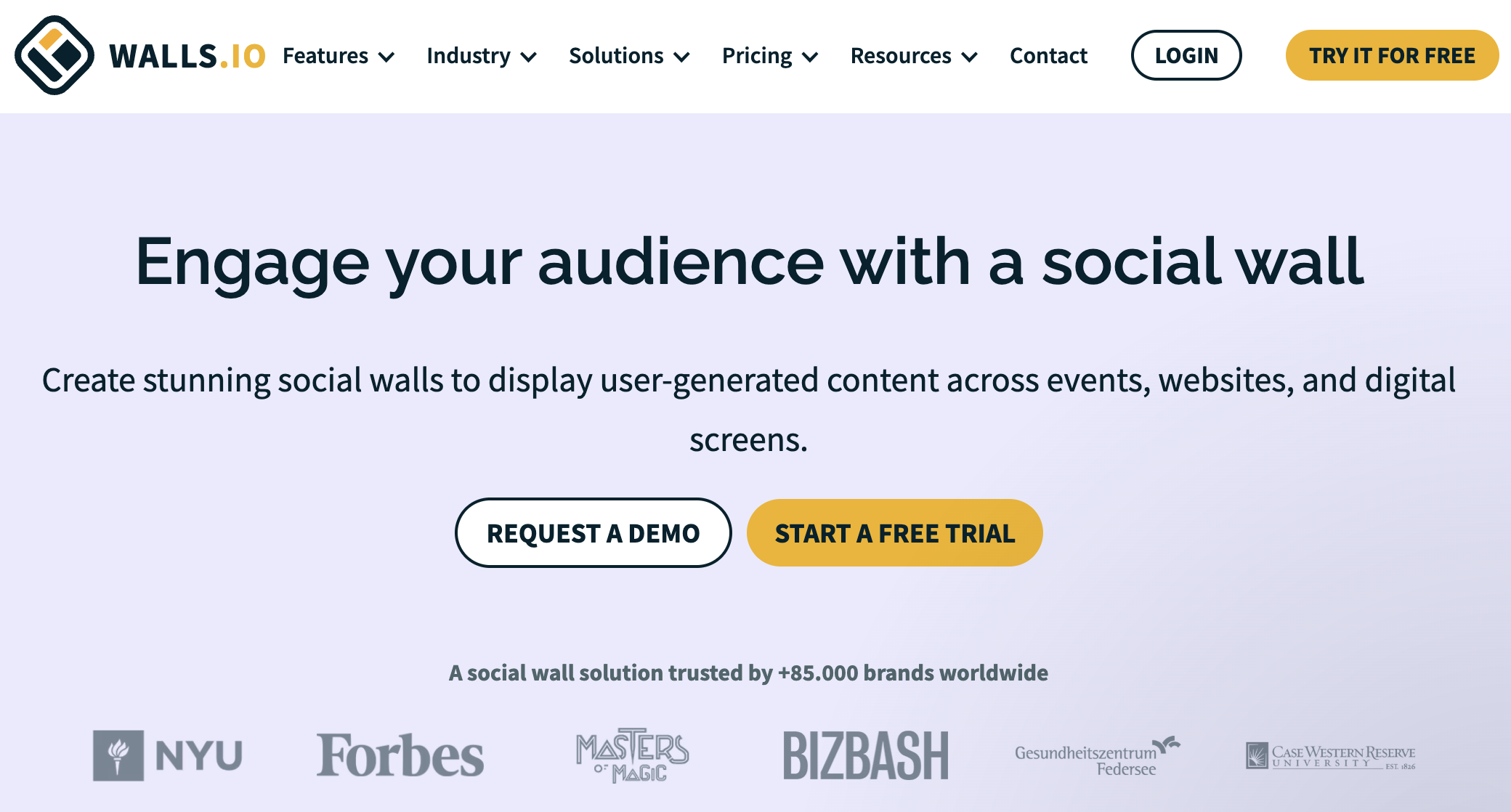
Walls.io is a social media aggregation platform that collects, curates, and displays content from multiple social channels and user submissions in one branded feed. For agencies running campaigns that generate social buzz, managing events, or building employer brands for clients, Walls.io automates the collection and display of social proof across touchpoints.
Key Features for Agencies:
- Multi-Channel Content Aggregation: Automatically collect posts from Instagram, X, TikTok, Facebook, and direct user submissions using hashtags, mentions, or handles.
- Branded Embeddable Social Walls: Create customized, on-brand displays for client websites, digital signage, event screens, and internal channels.
- GDPR & CCPA-Compliant Moderation: Review and approve user-generated content with built-in consent management and privacy controls that protect your clients.
- Campaign & Event Support: Run hashtag campaigns, event activations, employer branding initiatives, and UGC contests from a single platform.
- Easy Setup & Customization: Match each client’s brand identity with customizable layouts, colors, fonts, and display options without coding.
- Content Reuse Capabilities: Repurpose approved social content across multiple client touchpoints to maximize the value of user-generated assets.
Agency use case: An agency runs a product launch campaign for a consumer brand with a campaign hashtag. Walls.io automatically collects all social posts using that hashtag across Instagram, X, TikTok, and Facebook. The moderation team reviews submissions in a unified dashboard, approves appropriate content, and the approved posts appear instantly on the client’s website social wall and on digital displays at their retail locations. No manual screenshotting, downloading, or reformatting required.
Social proof drives conversions, but manually collecting and displaying user-generated content is time-intensive. Walls.io automates the collection pipeline while maintaining brand safety through moderation. Agencies can promise clients “live social walls” at events or on websites without dedicating team members to constant manual updates.
Pricing: Walls.io starts at €225/month. Best suited for agencies with clients running active social campaigns, hosting events, or needing ongoing social proof displays.
AffiliateFinder.ai: Automated Affiliate Discovery and Outreach Preparation
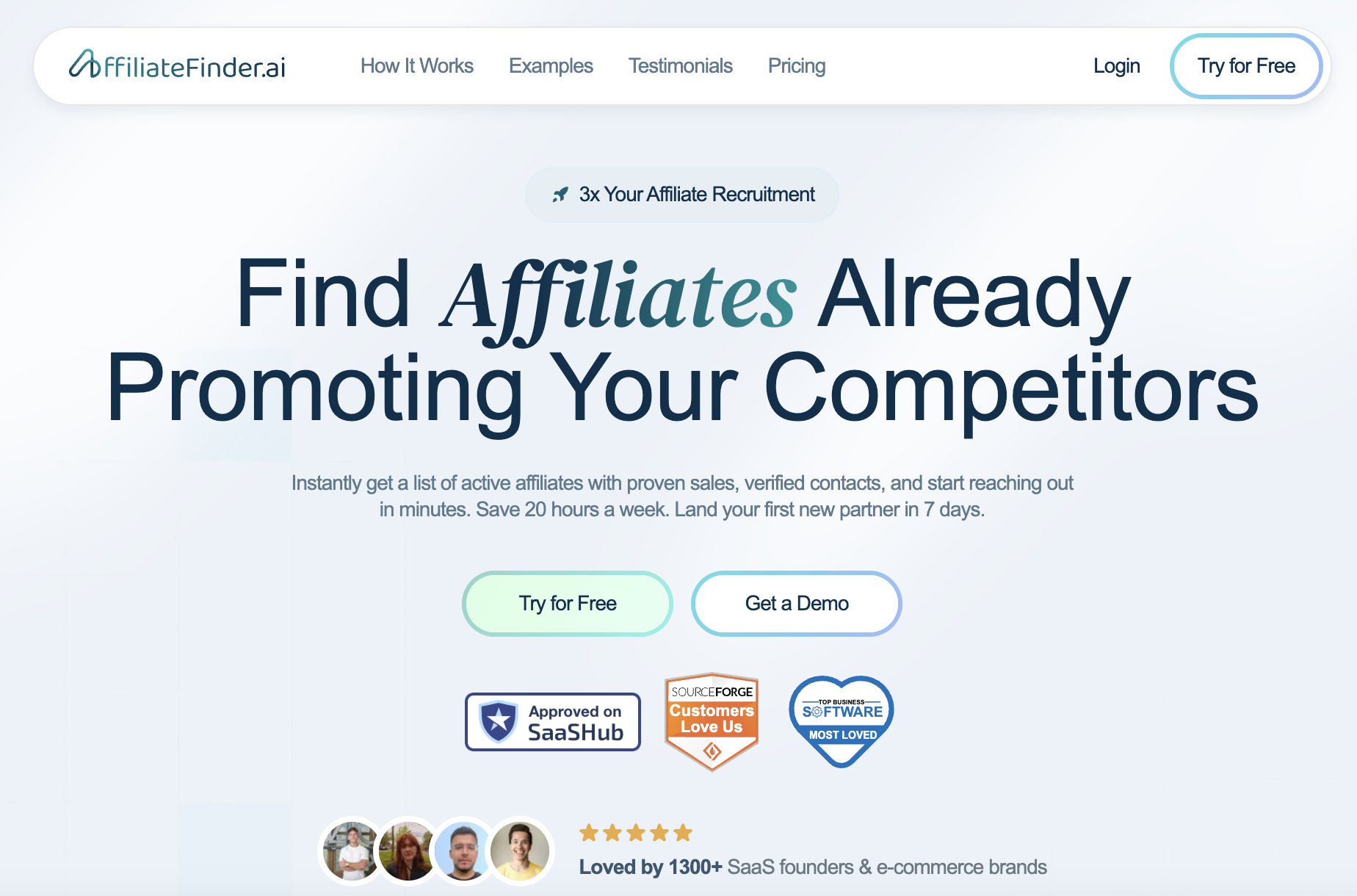
AffiliateFinder.ai is a specialized tool for agencies managing affiliate programs or influencer partnerships on behalf of clients. Instead of spending hours manually researching potential affiliates, the platform runs automatic weekly scans to discover affiliates already promoting competitor brands and content creators succeeding in your client’s niche.
Key Features for Agencies:
- Automated Weekly Scans: Set up once and receive continuous discovery of new affiliate opportunities across websites, YouTube, Instagram, and TikTok without manual research.
- Competitor Affiliate Intelligence: Identify which affiliates and influencers are already successfully promoting your clients’ competitors.
- Niche Content Creator Discovery: Find content creators producing successful content in your client’s specific industry or product category.
- Email Enrichment: Get verified contact information for discovered affiliates, eliminating hours of manual email hunting and verification.
- Weekly Alert System: Receive automated email notifications when new scan results are ready for review, keeping your pipeline consistently full.
Agency use case: An agency manages affiliate programs for three e-commerce brands in the fitness supplement space. AffiliateFinder.ai runs weekly scans identifying fitness influencers and bloggers who are currently promoting competitor brands. The platform enriches these leads with email addresses and engagement metrics. Every Monday, the affiliate manager receives a list of 20-30 qualified prospects with all the information needed to begin outreach—no manual research required.
Agencies report saving 10+ hours per week on affiliate research. Instead of manually browsing social media, checking competitor websites, and hunting for contact information, AffiliateFinder.ai delivers qualified prospects with enriched data ready for outreach campaigns.
Pricing: AffiliateFinder.ai starts at $99/month. ROI typically comes from landing 1-2 high-performing affiliates per client that you wouldn’t have discovered through manual research.
Salesforce: Enterprise-Grade CRM & Marketing Automation
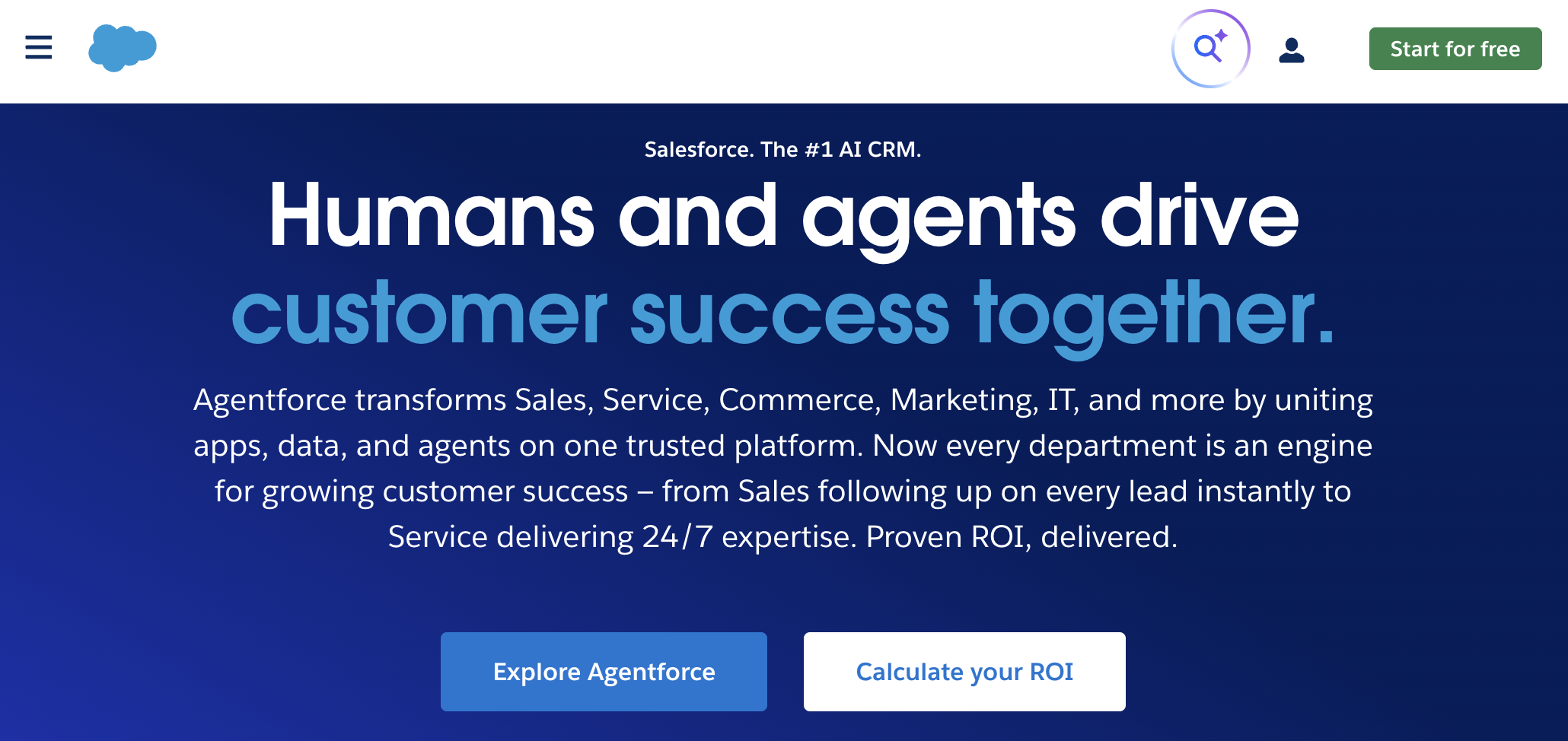
Salesforce is a robust CRM and automation backbone for larger agencies and those serving enterprise clients in 2026. When you need complex sales processes, custom objects, and deep data relationships, Salesforce delivers the flexibility other platforms can’t match.
Key Features for Agencies:
- Enterprise Workflow Automation: Build sophisticated lead routing, pipeline management, and follow-up sequences using Workflows, Process Builder, or Flow.
- Custom Objects & Data Models: Create custom structures for tracking campaign performance, client deliverables, project status, and agency-specific metrics beyond standard CRM fields.
- Einstein AI Scoring: Leverage artificial intelligence to automatically score leads and opportunities based on engagement patterns, demographics, and historical conversion data.
- Marketing Cloud Integration: Connect Salesforce CRM with Marketing Cloud for B2C journey orchestration or Marketing Cloud Account Engagement (Pardot) for B2B automation.
- AppExchange Ecosystem: Access thousands of pre-built integrations and specialized apps that extend Salesforce capabilities for specific agency needs.
- Advanced Reporting & Dashboards: Build custom reports and real-time dashboards that show campaign performance, pipeline health, and team productivity across all clients.
Agency use case: A B2B agency uses intelligent Salesforce surveys integrated with Pardot (now Marketing Cloud Account Engagement) to capture customer requirements and score leads based on behavior and demographics. Qualified leads automatically route to the appropriate sales rep and send an automated text message through the SlickText integration.
Choose Salesforce only when you have the scale, technical resources, and enterprise clients to justify its cost and complexity. For most small and mid-size agencies, HubSpot provides similar capabilities with less overhead.
Pricing: Salesforce pricing varies widely by product and user count. Small businesses (5-10 users) typically spend $1,200-6,000/year, mid-sized companies (50+ users) often spend $100,000+/year, and enterprise deployments can reach millions annually.
Smartlead: Outbound Sales Automation with Multi-Channel Prospecting at Scale
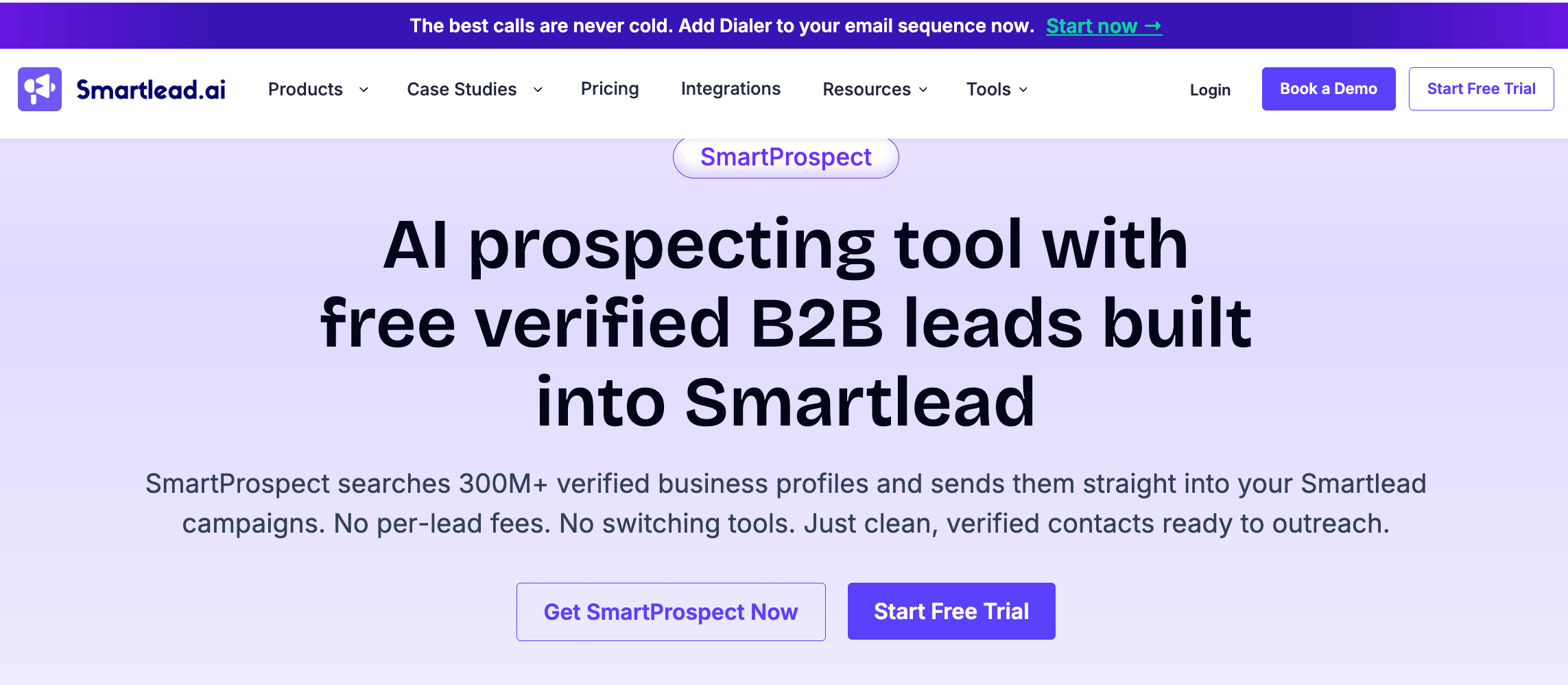
Smartlead is one of the most purpose-built marketing automation tools for agencies running cold outbound on behalf of clients.
Where most tools on this list handle inbound funnels or CRM management, Smartlead handles the outbound side: verified B2B leads, reaching them across email, LinkedIn, and phone in coordinated sequences, and routing interested replies to the client’s sales team automatically.
For agencies managing multiple client outbound programs, it removes the operational overhead of coordinating unlimited mailboxes, warmup infrastructure, and reply triage simultaneously.
SmartAgents classifies every inbound reply by intent and routes it appropriately. Interested replies forward to the client’s sales team. Unsubscribes update the Global Block List across email and phone simultaneously. The Master Inbox consolidates replies across every client account in one prioritized view, so account managers spend time on strategy rather than inbox triage.
Key Features for Agencies:
- Multi-client sub-accounts: Fully isolated sending infrastructure for each client.
- White-label dashboards: Let clients see the agency’s brand rather than Smartlead’s.
- SmartAgents AI reply handling: Automate reply classification and handling across email, LinkedIn, and calling.
- SmartProspect B2B Lead Finder: Access 300M+ verified contacts directly within the platform.
- Unlimited Mailboxes with Continuous Warmup: Manage unlimited sending accounts with warmup supported by a 35,000+ inbox network.
- Native Multi-Channel Sequences: Coordinate email, LinkedIn, and calling steps from one Sequence Builder.
- Flat Monthly Pricing: Cover the entire team without per-seat fees.
Agency use case: An agency runs outbound for eight B2B clients from one platform. Each client has isolated infrastructure. SmartAgents handles reply triage. The Master Inbox shows all replies across all accounts in one view. Account managers spend 30 minutes per day on strategy instead of 3 hours on inbox management.
Pricing: Plans start at $32/month flat for the entire team, and there’s also a 14-day free trial. Annual billing saves 17%. No credit card required.
Stripo: Email Design Automation and Template Management
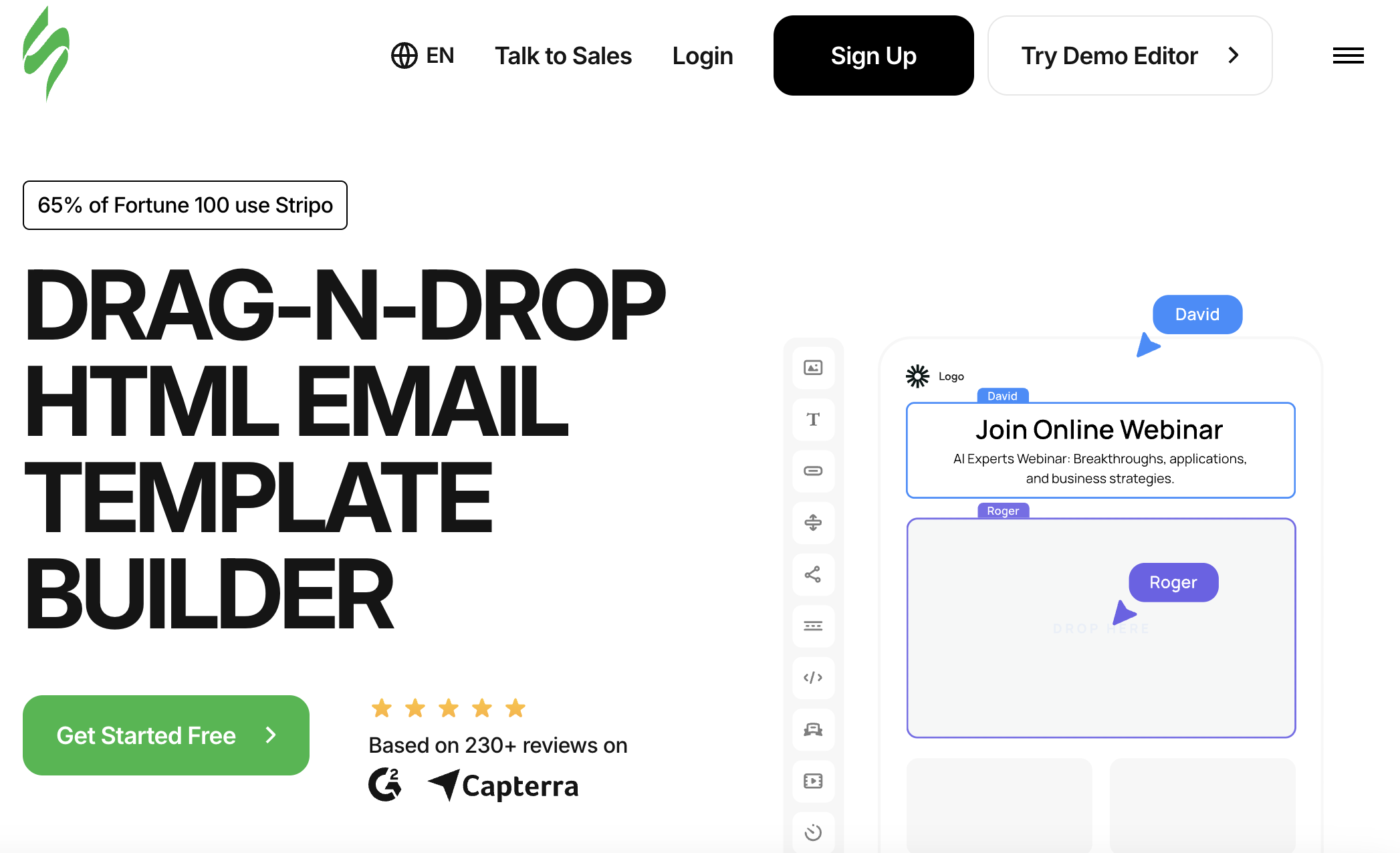
Stripo is an all-in-one email design platform that helps agencies build professional emails faster with reusable components and collaborative features. In 2026, agencies juggling dozens of client email campaigns need more than basic email builders—they need systematic template libraries, brand consistency tools, and seamless handoffs between design and deployment.
Key Features for Agencies:
- Reusable Module Libraries: Build once, use everywhere—standardize email components across all client accounts to maintain consistency and speed up production.
- Custom Roles & Permissions: Control access levels for designers, copywriters, account managers, and clients with granular permission settings.
- Separate Design Systems: Store each client’s brand colors, fonts, and logos in dedicated design systems that apply instantly to any email template.
- Built-In Email Testing: Preview emails across 90+ email clients and devices before sending to catch rendering issues early.
- Real-Time Co-Editing: Enable multiple team members to work on the same email simultaneously with live updates and change tracking.
- Custom Approval URLs: Share branded preview links with clients for feedback and sign-off without granting them platform access.
- ESP Export: Push finished emails directly to 90+ email service providers including HubSpot, Salesforce, Mailchimp, and ActiveCampaign.
- Commenting System: Streamline feedback loops with in-platform comments that keep all stakeholders aligned without endless email chains.
Agency use case: An agency manages monthly newsletters for eight e-commerce clients. Using Stripo, the team builds a modular template library with product grids, hero sections, and promotional blocks. When it’s time to create a new campaign, designers drag pre-approved modules into place, swap in client-specific branding from saved design systems, and share a custom URL for client approval—all without touching code or switching between platforms.
Design in Stripo, export directly to your email platform, then trigger the actual sends through your CRM’s automation workflows. This separation of design and deployment lets designers focus on creative work while marketers handle segmentation and scheduling.
Pricing: Stripo starts at $20/month with a free plan available for testing. For agencies, the time savings on email production usually pay for the subscription within the first client campaign.
Skrapp: B2B Email Finding and List Verification for Agency Outreach
Skrapp is a B2B email finder and verifier that helps agencies build accurate contact lists for their own new-business outreach and for clients’ prospecting campaigns. Skrapp sources verified work email addresses from either a LinkedIn profile or a prospect’s name and company domain. The platform pairs email verification checks with a 97%+ verification accuracy rate for more reliable outreach.
Key Features for Agencies:
- LinkedIn Email Finder: Pull verified business emails directly from LinkedIn profiles, useful when account managers are researching decision-makers across client target lists.
- Domain Search: Enter a company domain to surface relevant contacts and their verified emails for account-based outreach campaigns.
- Bulk Email Finder: Upload lists of names and companies to enrich in batches, helpful when handling prospect lists across multiple clients at once.
- Integrated Email Verification: Validate email addresses as you discover them to improve deliverability and keep your outreach lists clean.
- CRM Integrations: Sync verified contacts into HubSpot, Salesforce, and other CRMs already in the agency stack.
Agency use case: A B2B agency building its own pipeline defines an ideal client profile, finds matching decision-makers on LinkedIn, and uses Skrapp to get and verify their work emails. The cleaned list flows into HubSpot, where an automated SlickText text and email sequence begins, connecting Skrapp’s sourcing layer to the rest of the automation stack.
Use Skrapp as the data-sourcing layer ahead of your outreach automations. Clean, verified contacts mean CRM sequences and cold campaigns reach real inboxes instead of bouncing, which keeps deliverability and reporting accurate.
Pricing: Skrapp offers a free plan, with paid plans starting at $39/month for higher email-finding and verification volumes.
Decktopus AI: Presentation Automation for On-Brand Slides at Speed
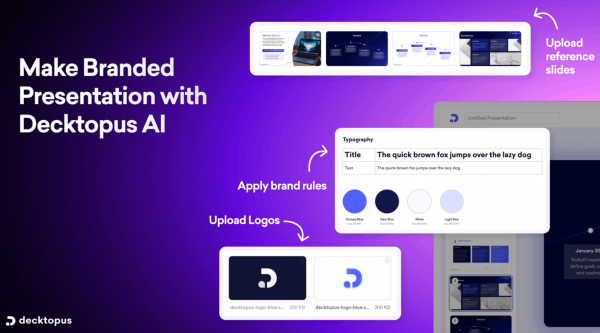
Decktopus AI is an AI presentation tool built for marketing agencies and teams that need client-ready decks without the usual back-and-forth. Describe your topic, upload your notes or files, and Decktopus generates a complete, structured, and visually designed presentation ready to share. No templates to fill in, no slide-by-slide formatting.
Key Features for Agencies:
- AI-Powered Slide Generation: Go from a brief or rough notes to a full, designed deck in minutes, with structure, content, and visuals handled automatically.
- Brand Kit Integration: Store each client’s colors, fonts, and logo once. Every deck your team creates is auto-styled to those standards from the start.
- Brand Compliance Check: Built-in checks flag anything that looks off-brand and regenerate automatically, so nothing goes out looking inconsistent.
- Slide Library and Version History: Save, reuse, and restore slides across presentations. Teams can build a shared library of approved slides for faster production.
- Shareable Links and Export: Share decks via link for quick review or export to PowerPoint and PDF for client delivery.
Agency use case: An agency managing presentations for multiple clients sets up a brand kit for each one. When a team member needs a campaign recap or a new business proposal, they describe the deck, and Decktopus generates it styled to the right client’s brand automatically. No reformatting, no design review cycle needed.
Pricing: Decktopus offers a free plan to get started, with paid plans available for more advanced features.
How to Choose the Right Automation Stack for Your Agency
As you build your marketing automations, think in terms of “stack design” rather than chasing every new trend. Your automation stack in 2026 should include a CRM, app connectors, channel-specific tools, and operations software that work together.
Key evaluation criteria:
| Factor | Questions to Ask |
| Client profile | Do you serve local SMBs or enterprises? B2B or B2C? |
| Core services | Paid media, SEO, social, email, full-service? |
| Team size | How many people need access and training? |
| Technical skills | Do you have someone comfortable with workflow builders? |
| Budget | What’s your monthly tool spend ceiling? |
| Reporting needs | What level of analytics do clients expect? |
Simple decision guideline:
- Small agencies: HubSpot Starter or a lighter CRM + Make/Zapier + SlickText
- Mid-size agencies: HubSpot Professional + Make/Zapier + SlickText + Social Champ + Venngage
- Large or enterprise-focused agencies: Salesforce + Make/Zapier + Productive.io + SlickText + Social Champ + Walls.io + AffiliateFinder.ai
Pilot before rolling out: Test new tools with 1-2 clients for 60-90 days before deploying across all accounts. Track clear KPIs: hours saved, error reduction, response time improvements, and upsell opportunities created.
Document everything: Create automation standards (naming conventions, trigger definitions, required data fields) so multiple team members can maintain the system. When someone leaves or a new hire joins, documentation keeps things running.
Implementation Roadmap: Getting Automated in 30–90 Days
You don’t need to automate everything at once. A phased rollout prevents overwhelm and lets you learn as you go.
Days 1-30: Foundation
- Pick 2-3 tools to start (e.g., HubSpot, SlickText)
- Automate one simple win: When a new contact is created for a client (HubSpot), send an automated text message (SlickText) and an automated email (HubSpot).
- Set up basic social scheduling for 2-3 clients
- Train a small internal “automation champion” group (2-3 people)
- Document your first workflows with screenshots
Days 31-60: Expansion
- Introduce Make or Zapier to connect more software in your tech stack
- Automate onboarding emails for new clients
- Build internal task creation workflows (deal closed → project setup)
- Implement basic lead scoring rules in your CRM
Days 61-90: Optimization
- Standardize reporting automation (weekly/monthly client reports)
- Refine segmentation and lead nurturing sequences
- Build advanced automation workflows for your highest-volume processes
- Create internal documentation (Loom videos, checklists, flowcharts) for new hires and if there’s something to sign, Docusign alternatives like eSign are legally binding
Start with the workflows that cause the most pain or consume the most time. Quick wins build momentum and buy-in from your team.
Frequently Asked Questions
What is marketing automation for agencies?
Marketing automation for agencies means orchestrating emails, SMS, social media posts, ads, CRM updates, and internal tasks using rules, triggers, and AI to handle multi-channel campaigns, reporting, and client communication at scale without constant human intervention.
Which marketing automation tool should a small agency start with in 2026?
Small agencies often find success starting with Zapier for basic cross-app automation and a CRM like HubSpot Starter, then adding SlickText for automated text marketing once core workflows are stable.
How much should agencies budget for marketing automation tools per month?
A lean small agency might spend $200-500 monthly, mid-sized agencies typically spend $1,500-4,000 monthly, and enterprise-focused agencies using Salesforce with Marketing Cloud can exceed $5,000+ depending on contact volume and features.
Can we manage all of our clients’ automation from one account per tool?
Some platforms like SlickText, Productive.io, and HubSpot support multi-client setups natively, while others may require separate accounts or workspaces for data separation and compliance requirements.
How do we prevent over-automation that feels impersonal?
Use automation primarily for timing, routing, and reminders while keeping messages personalized with dynamic fields, segment lists for relevance, and build periodic human check-in triggers into your workflows.
What’s the difference between Zapier and Make for agencies?
Zapier is faster to set up and more accessible for non-technical users, while Make offers more power for complex data transformation and high-volume scenarios—many agencies use both depending on workflow complexity.
How quickly can an agency implement marketing automation?
Agencies can get automated in 30-90 days by starting with 2-3 tools and one simple workflow, then expanding to more complex automations and standardizing reporting over the following months.
Why do agencies need SMS automation tools like SlickText?
SMS open rates consistently exceed 90%, delivering immediate, visible results that justify ongoing retainers, while automated workflows enable personalized customer journeys triggered by behavior without manual effort.
Grow Your Client List in 2026 with Marketing Automation
Marketing automation for agencies isn’t about replacing human creativity and strategy. It’s about freeing your team to focus on the work that actually requires human judgment while systems handle the repetitive tasks that eat into billable hours.
The agencies winning in 2026 have already built their automation foundations. They’ve moved past the question of “should we automate?” to “what should we automate next?”
Start with one high-impact workflow this week. Pick a tool from this list that solves your most painful bottleneck. Document it. Then do it again. The compounding returns will be worth it.







